Aug 2026 · 3 min read
Building App Builder: A Phone Client for Remote Template-to-APK Builds
I shipped App Builder — customize a template on your phone and get a signed APK from a remote worker. The hard part was making the client thin, the forms dynamic, and demo mode honest when the server isn’t there.

I shipped App Builder (Mak Apps) — a Flutter client for an App Builder Pro API. From a phone you can browse templates, customize branding and config, queue a remote build, and download a signed APK.
This is a different kind of product from VidWeave or FloorMind. Those apps are the studio. App Builder is a remote control for someone else’s Gradle farm.
The flow
- Guest session on launch (
POST /auth/guest) — use the product before claiming an account - Browse templates → customize → create project
- Upload icon (size rules enforced client-side), set secrets if the template requires them
- Start build → poll progress → open
/d/:tokendownload page - Optionally claim / sign in from Account
Build jobs carry status, stage, percent, attempts, artifact size, sha256, worker id. Terminal states: succeeded / failed / canceled. Progress UI maps stages roughly to preparing → generating → compiling → finalizing (signing) → ready.
Why server-driven forms matter
Templates don’t ship as hard-coded Flutter screens. Each template exposes jsonSchema + uiHints. DynamicForm renders fields, groups, secrets, color palettes, and validation from that payload.
When the backend adds a new template or a new config key, the mobile app can show it without an App Store release. That’s the whole point of a builder client.
Secrets stay in a separate map from public config so you don’t accidentally serialize API keys into the wrong channel.
Auth that doesn’t stampede
The Dio client does single-flight refresh: concurrent 401s share one refresh Future, then replay the request once. Access tokens refresh slightly early. Device id + refresh token live in secure storage.
Guest-first keeps onboarding short. Claim/sign-in is blocked in demo mode on purpose — you shouldn’t think a mock session is a real account.
Demo mode is a first-class path
Build APIs go down. VPS hosts flake. Reviewers need a path that isn’t a red error wall.
--dart-define=DEMO_MODE=true, or Continue in demo mode on splash when the server can’t be reachedMockAbpRepositoryserves sample templates, projects, and simulated builds- Account shows a demo banner and Exit demo & reconnect
- Technical errors are never shown raw to end users; they land in Account → API logs for whoever owns the backend
Same honesty pattern as SellSnap/FloorMind: offline or degraded mode must still demonstrate the product.
What the phone is not
The phone does not compile the app. It doesn’t run Gradle. It orchestrates:
- project config
- asset upload limits (e.g. icon ≥ 512, max upload bytes)
- build lifecycle + cancel
- download link (URL, token, expiry, max downloads)
That split keeps the mobile binary small and puts signing/secrets policy on the worker side — where it belongs.
What I’d still harden
Default API base as cleartext HTTP to a fixed host is fine for an internal/dev client; production should be HTTPS, configurable, and not baked as the only story. Simulate-purchases must stay debug-only (it already gates on kDebugMode). And download pages need the same threat model as any signed-artifact CDN: short-lived tokens, hash verification surfaced in the UI when present.
Bet: a builder app wins when templates are data, builds are jobs, and the client stays replaceable.
If you’re shipping “no-code app builders” on mobile: don’t embed the templates — fetch the schema, poll the worker, and give reviewers a demo mode that doesn’t lie.
More writing
Other notes from the archive.
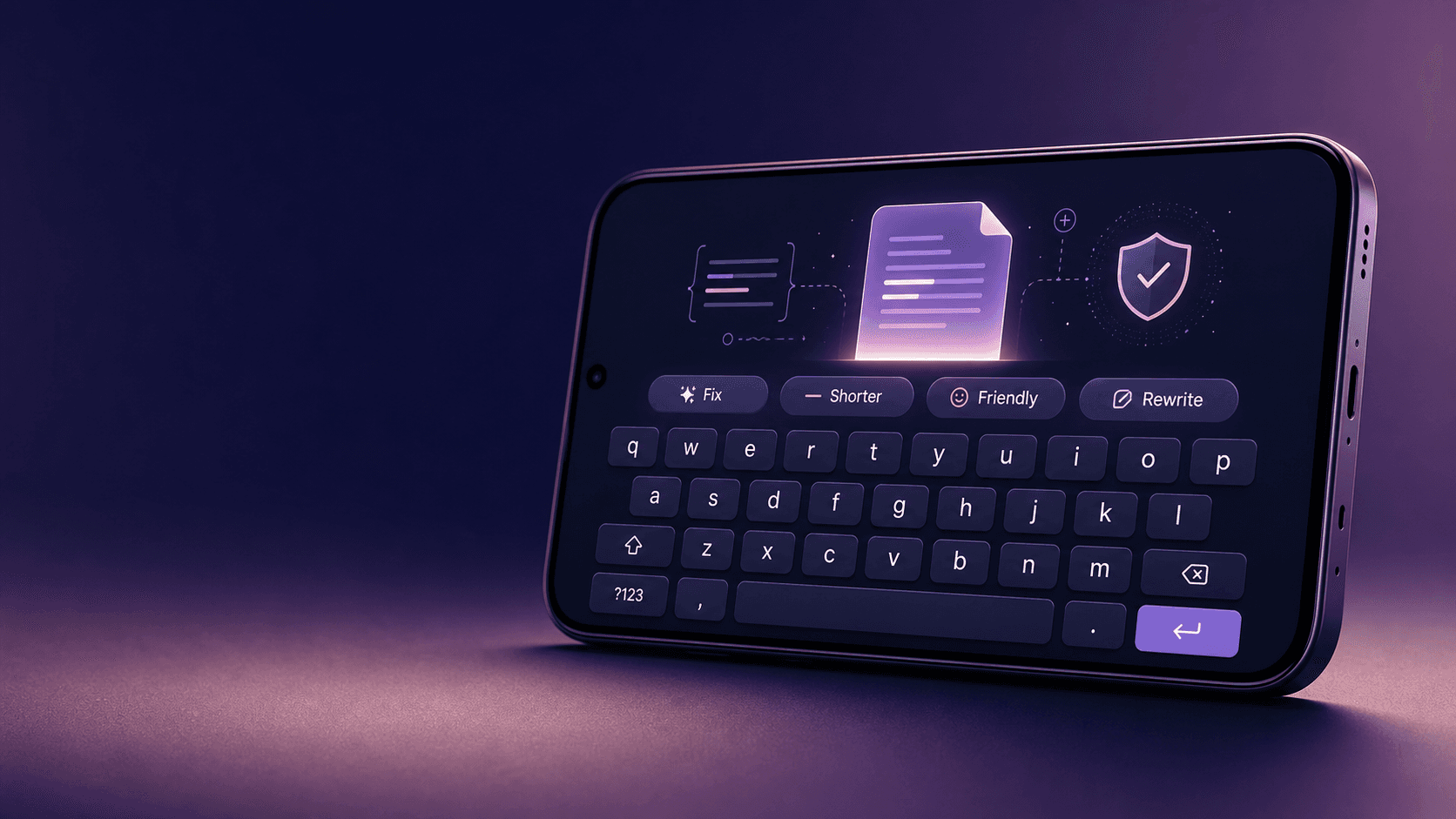
Building Lexora: A Privacy-First Writing Keyboard That Works Offline
Lexora is an Android keyboard that helps people improve spelling, grammar, clarity, and tone wherever they write. Here is how I built its on-device writing engine, custom keyboard, and fast Android integration without sending text to a server.
Oct 2026 · 7 min read
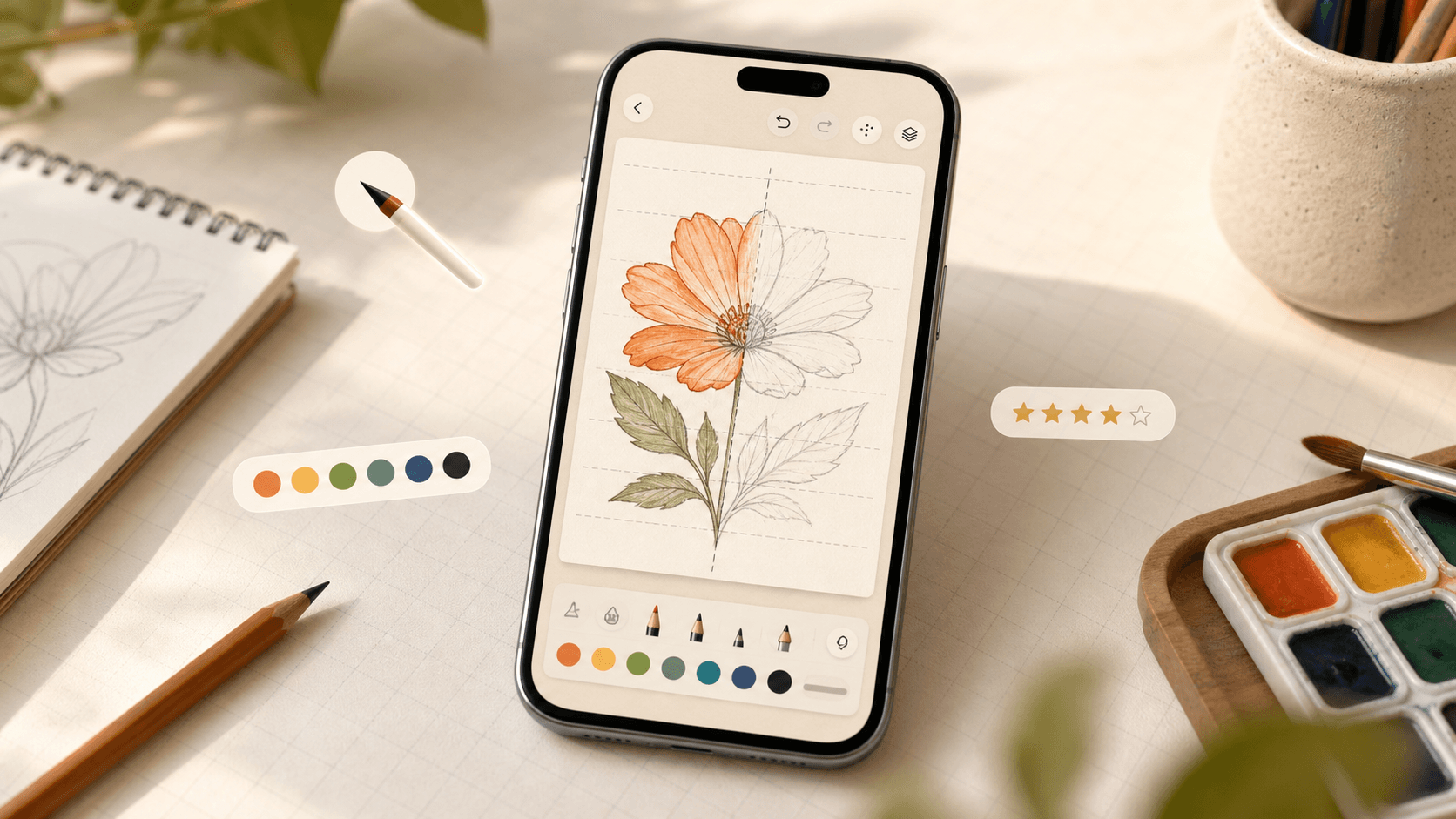
Building iDraw: A Flutter Drawing App With Lessons, a Studio, and an AI Coach
iDraw is a Flutter app I’m building to help people learn to draw — guided lessons, a freehand studio, progress tracking, and an AI coach powered by Google Gemini. Here’s the product brief and the tech behind the strokes.
Sep 2026 · 5 min read
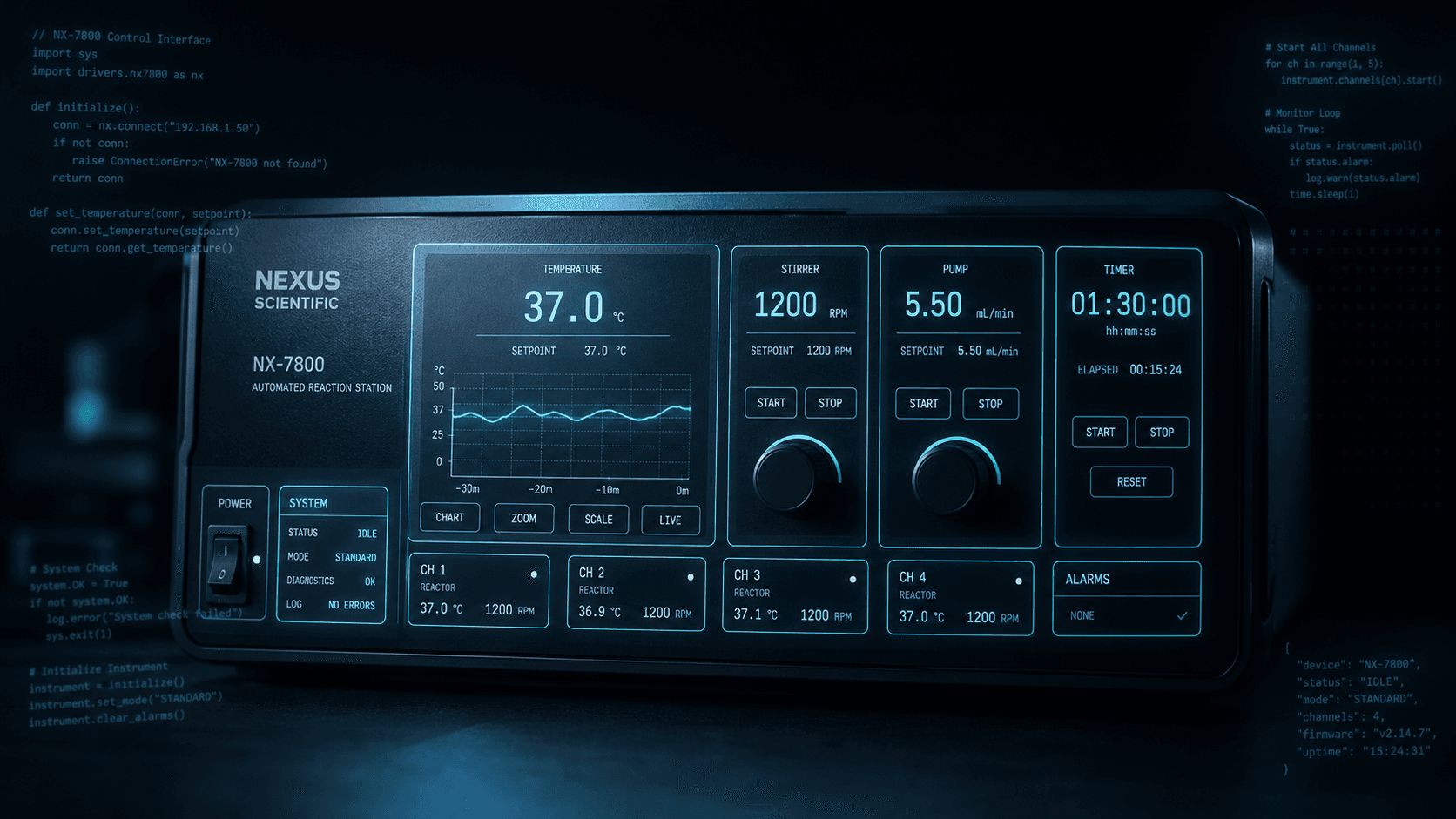
Building a scripting language for hardware panels
Rushabh's lab instruments speak in fixed-width serial strings, and every new panel meant another hardcoded Android screen. So I built a language instead: a lexer, a typed statement tree, an expression evaluator, and buttons you place on a photograph of the machine.
Aug 2026 · 7 min read
Discussion
Questions or notes. Comments live on GitHub Discussions.