Oct 2026 · 7 min read
Building Lexora: A Privacy-First Writing Keyboard That Works Offline
Lexora is an Android keyboard that helps people improve spelling, grammar, clarity, and tone wherever they write. Here is how I built its on-device writing engine, custom keyboard, and fast Android integration without sending text to a server.
Most writing tools begin with a cloud API.
You type something, it gets sent away, a model processes it, and a suggestion comes back. That approach can produce impressive results, but it also introduces latency, privacy concerns, account requirements, and a very awkward failure mode: the tool becomes less useful when the connection is poor.
I wanted to explore a different direction with Lexora.
Lexora is an Android writing keyboard designed to help with spelling, grammar, clarity, concision, readability, and tone while people type. It works in messages, email, notes, browsers, and other text fields. The important constraint was simple: the useful parts had to work entirely on the device.
That decision shaped nearly every part of the project.
The product had to be a good keyboard first
A writing assistant is only useful if people keep using it.
That sounds obvious, but it is easy to forget when building productivity software. If someone installs a keyboard because it can improve their writing, but the keyboard itself feels slow, cramped, or unreliable, they will switch back to Gboard or their phone’s default keyboard. The writing features disappear with it.
So Lexora is not just an editor with a keyboard-shaped feature. It has a real Android input method with:
- Glide typing
- Tap-aware autocorrection
- Next-word suggestions
- Emoji search and recents
- Cursor movement from the space bar
- Word deletion gestures
- Number pads and symbol layouts
- Adjustable height, themes, one-handed mode, haptics, and key sounds
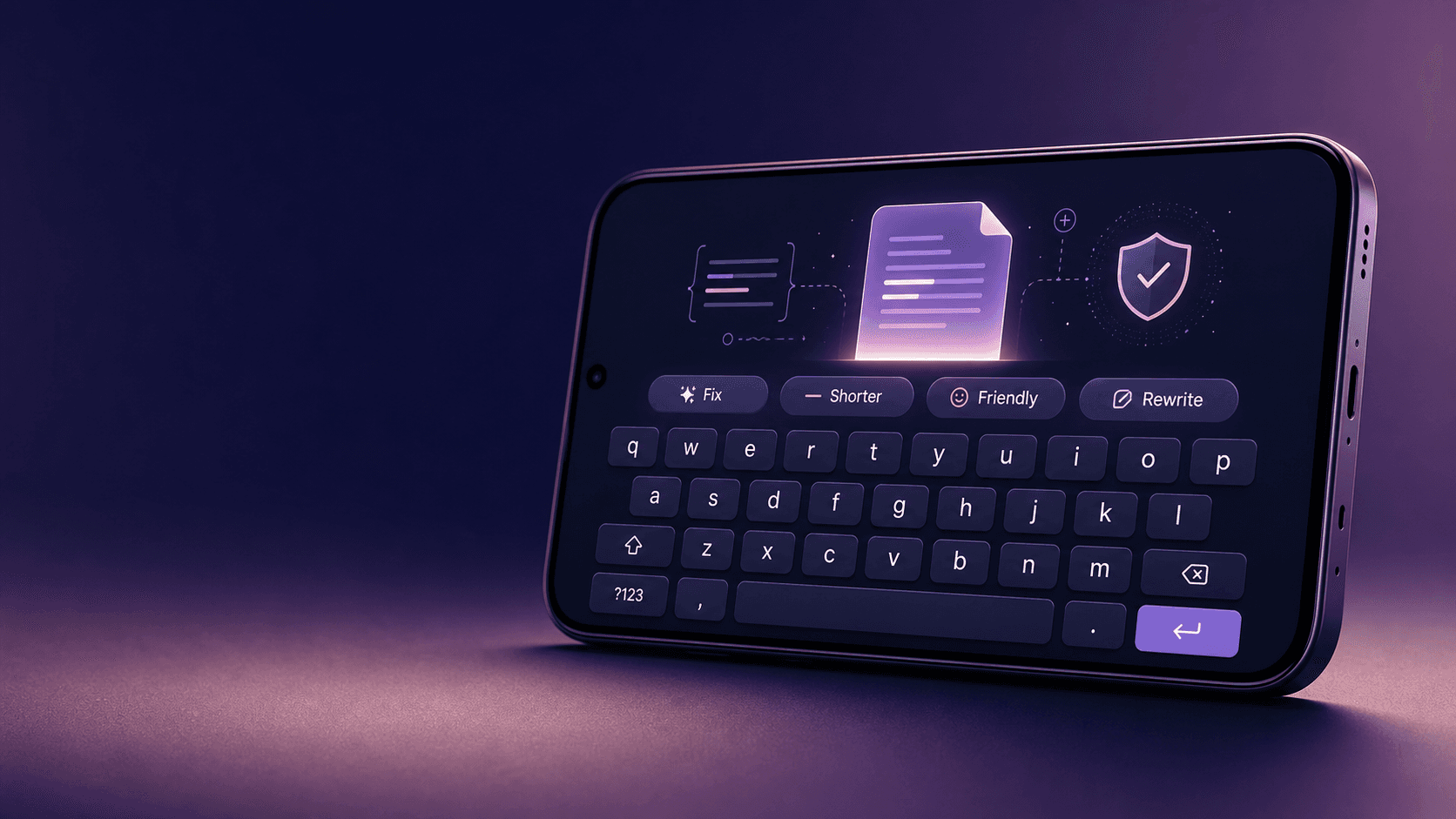
The writing actions live in a compact strip above the keys. Rather than showing a large menu of tools, the strip presents a few context-aware actions such as Fix, Shorter, Friendly, Rewrite, or Professional.
The goal is to make assistance feel available without making writing feel interrupted.
Keeping text on the device
Privacy was not added as a settings-page promise. It became an architectural boundary.
Lexora has no account system, no analytics pipeline, no application backend, and no HTTP client for writing analysis. The writing engine runs locally in Dart, and the keyboard calls into it through a platform bridge.
The rule was straightforward: if a feature cannot honestly work on-device, it should not pretend that it can.
That means Lexora can improve existing writing, but it does not claim to generate complete thoughts from nothing. Its rewriting tools transform text that is already there. They can fix grammar, simplify wording, remove filler, change tone, summarize content, or create bullet points. They do not quietly invent a response in the background and present it as certainty.
I think that boundary makes the product more trustworthy. A keyboard sits very close to a person’s private life. It sees messages, work notes, search queries, and drafts that were never meant to leave the phone.
Designing the writing engine
The core pipeline is deliberately boring in the best possible way:
Text
  -> Tokenizer
  -> Writing rules
  -> Tone analysis
  -> Readability metrics
  -> Language detection
  -> Suggestions and insights
The engine starts by turning text into tokens, sentences, and paragraphs. From there, a collection of independent rules inspects the writing for issues related to spelling, grammar, punctuation, clarity, concision, tone, shorthand, and vocabulary.
Each rule is a pure function of the current text and writing profile. Given the same input, it returns the same result.
That matters for a few reasons:
- It keeps behavior predictable.
- It makes rules easier to test.
- It lets the same engine run in the editor, the keyboard, and a worker isolate.
- It makes individual suggestions explainable.
A suggestion is not just “change this.” It can include the original text, proposed replacement, category, and reason. People should be able to accept a fix because they understand it, not because a black box told them to.
A lexicon optimized for mobile constraints
One of the more interesting engineering decisions was how to store the dictionary.
Lexora ships with a large English lexicon, proper nouns, common-word data, regional spelling variants, and curated misspellings. A straightforward Set<String> would have been convenient, but it would also create many Dart string objects and add memory pressure during startup.
Instead, the word index stores decompressed UTF-8 bytes with an index of line starts. Lookups use binary search directly against the byte data.
This gives the app a compact word index with low allocation during lookups. It is a good example of a trade-off I enjoy in mobile development: a little more implementation work in exchange for a noticeably better runtime profile.
The lexicon is also not treated as unquestionable truth. Curated misspellings are explicitly removed from accepted dictionary entries so that common errors such as incorrect doubled consonants do not get silently accepted because of an overly broad dictionary rule.
Fast enough for the typing path
Typing is one of the least forgiving interactions in software. A feature can be useful and still feel broken if it pauses while someone writes.
Lexora uses two analysis paths based on text size:
- Short text is analyzed inline because the analysis is faster than the overhead of crossing an isolate boundary.
- Longer documents move to a long-lived worker isolate so large analysis jobs do not compete with rendering frames.
Analysis is also debounced after typing pauses. If a newer version of the text exists by the time an earlier result finishes, the older result is discarded. Applying feedback to the wrong offsets is worse than not showing it at all.
The project also includes performance budgets in automated tests. That was important to me because it turns performance from a vague aspiration into something that can fail a build.
One useful optimization came from a regression. Adding more rules made longer documents slower than expected because many regular expressions were scanning documents where they could never match. The fix was simple in retrospect: rules now declare their trigger words, and the engine skips them when those words are absent from the text.
The result was faster analysis, even with more rules.
Suggestions must be safe to apply
Text changes are deceptively tricky.
A suggestion may be generated for one version of a paragraph, while the person keeps typing and changes the text before tapping it. If the app applies that suggestion blindly, it could replace the wrong range.
Lexora handles this with a guarded suggestion applier. Before making a change, it verifies that the relevant text still matches the original span used to create the suggestion. Batch changes are applied from the end of the document backward, and overlapping suggestions are skipped.
That detail is not flashy, but it is the sort of thing that separates a writing tool that feels dependable from one that occasionally damages someone’s draft.
Integrating with Android without invasive permissions
Another product decision was to avoid using Android accessibility services or a permanent floating overlay.
Those approaches can create a cross-app assistant, but they also create trust, battery, policy, and maintenance concerns. Instead, Lexora supports Android’s ACTION_PROCESS_TEXT integration.
When someone selects text in a supported Android app, they can choose Lexora from the system selection menu. Lexora opens an assist sheet, improves the text, and returns the replacement to the original app.
This approach is more limited than a persistent overlay, but the trade-off is worth it:
- No accessibility permission
- No floating interface over other apps
- No background service
- No resident battery cost
- A clearer privacy story
A Quick Settings tile and sharing entry help cover other entry points, while the keyboard remains the main way people access writing help during everyday typing.
What I learned
Building Lexora reinforced a few ideas I want to carry into future projects.
First, constraints can improve a product. “No cloud for core writing features” sounds restrictive, but it forced clarity about what the product could genuinely promise.
Second, performance work is best when it is measurable. Adding budgets and regression tests changed the way I thought about optimization. It made the app’s responsiveness part of the product contract.
Third, explainability matters. People trust writing suggestions more when they can see what changed and why. They should remain in control of their own voice.
Finally, small interactions matter enormously. A fast suggestion strip, an Undo action, a correctly handled stale edit, and a keyboard that feels good under your thumbs are not secondary details. They are the product.
Lexora is an experiment in making writing help feel local, immediate, and respectful of the person doing the writing. There is still plenty to improve, but the foundation is one I am proud of: useful assistance that stays close to the device and out of the way.
Tagged
Related work
Apps, packages, and projects this piece connects to.

More writing
Other notes from the archive.

Building iDraw: A Flutter Drawing App With Lessons, a Studio, and an AI Coach
iDraw is a Flutter app I’m building to help people learn to draw — guided lessons, a freehand studio, progress tracking, and an AI coach powered by Google Gemini. Here’s the product brief and the tech behind the strokes.
Sep 2026 · 5 min read
Building a scripting language for hardware panels
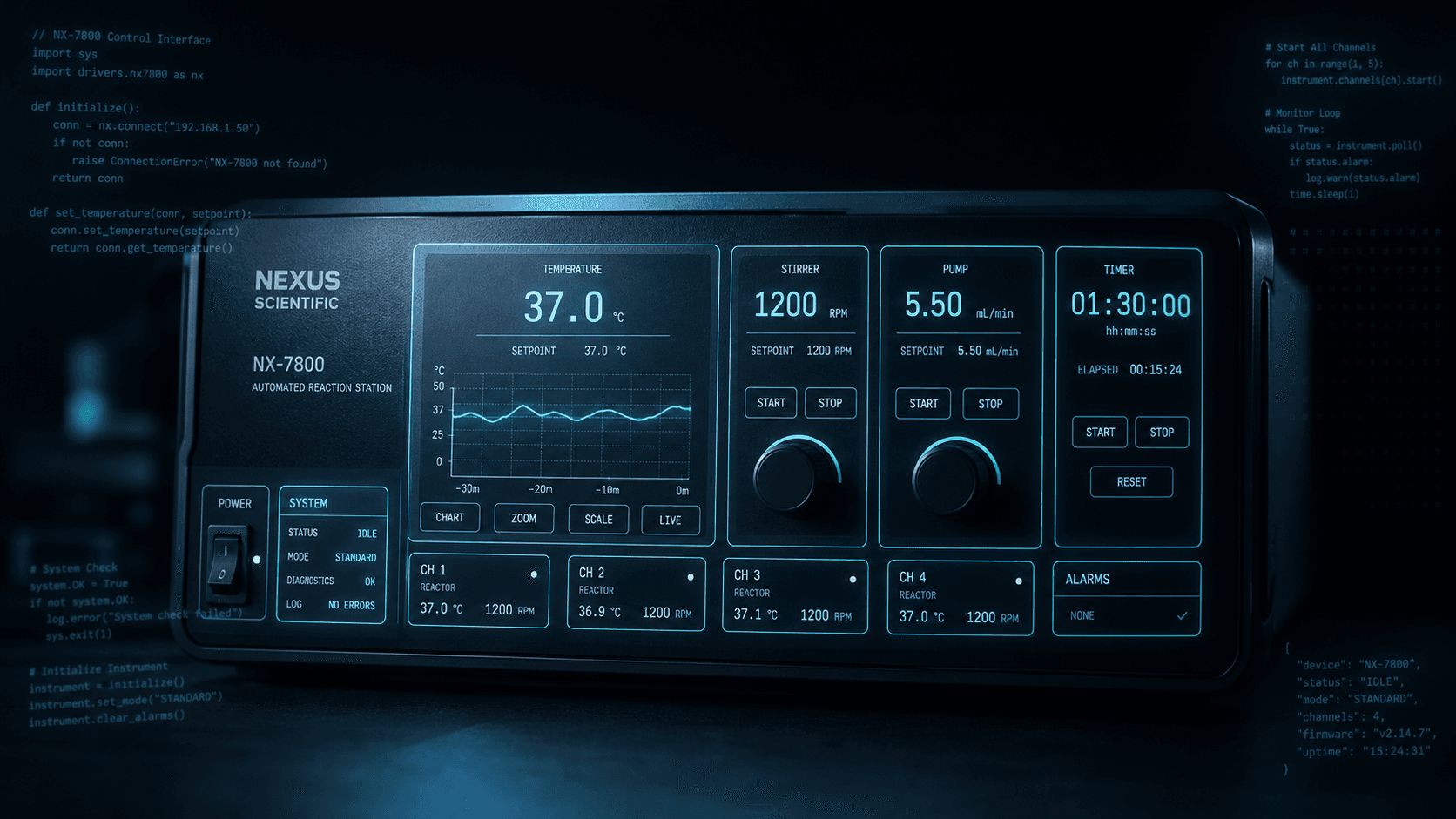
Rushabh's lab instruments speak in fixed-width serial strings, and every new panel meant another hardcoded Android screen. So I built a language instead: a lexer, a typed statement tree, an expression evaluator, and buttons you place on a photograph of the machine.
Aug 2026 · 7 min read
What Shipping Many Flutter Apps Taught Me About On-Device Work, Honest Offline, and Thin Clients
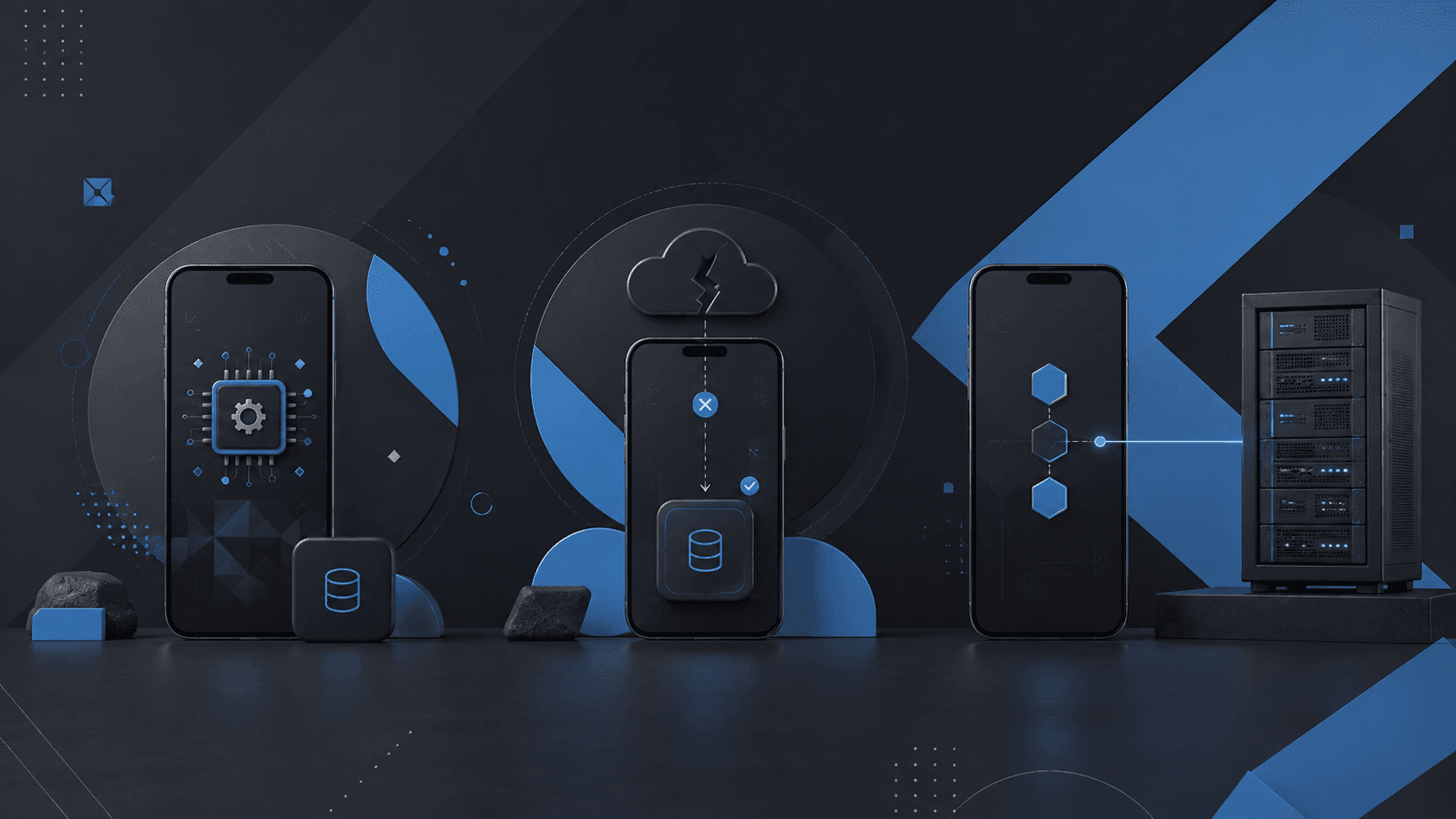
Flutter is how I ship. The interesting part isn’t widgets — it’s the product bets that keep repeating: on-device compute, honest fallbacks, and thin clients for heavy backends.
Aug 2026 · 4 min read
Discussion
Questions or notes. Comments live on GitHub Discussions.