Aug 2026 · 7 min read
Building a scripting language for hardware panels
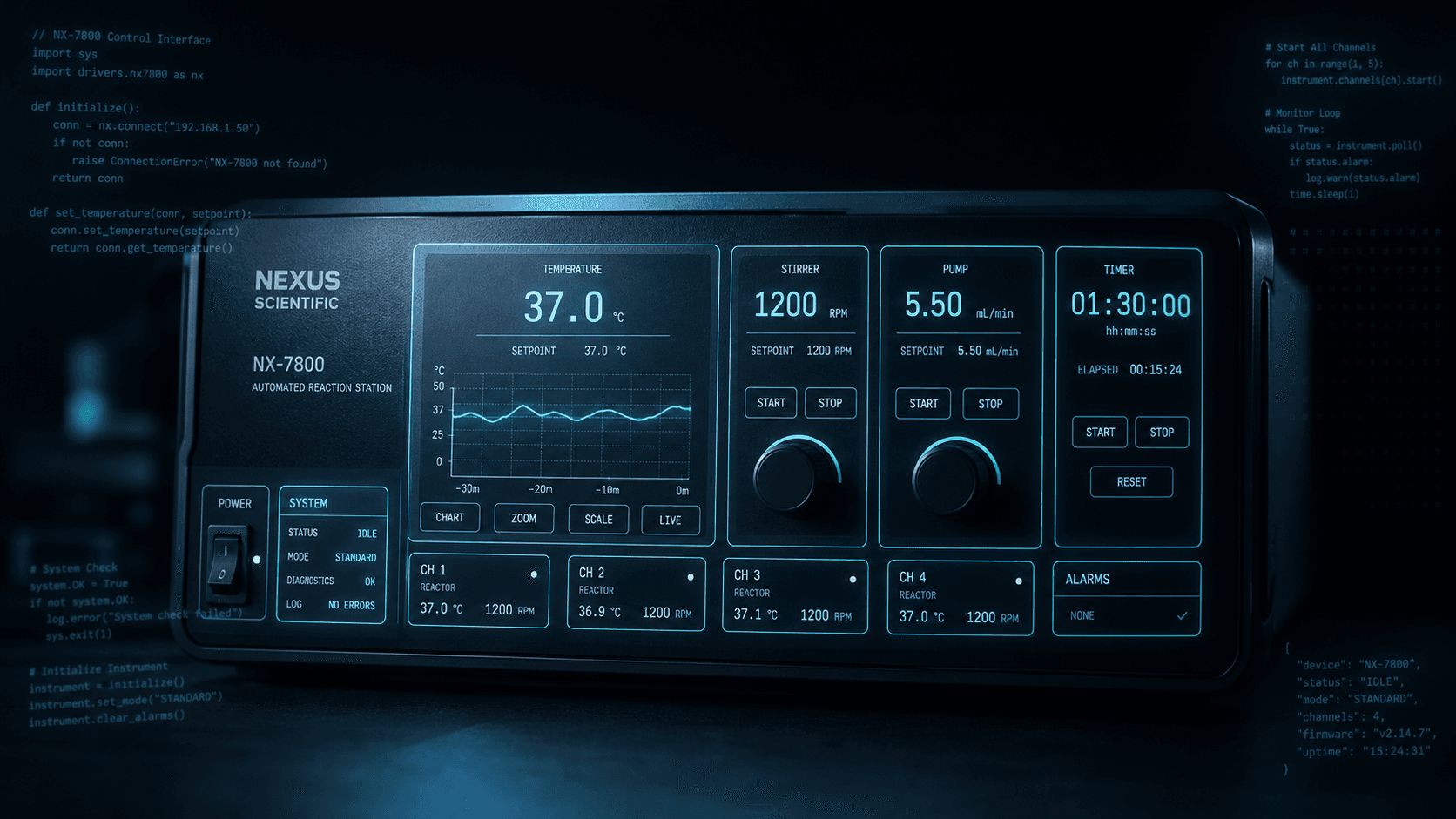
Rushabh's lab instruments speak in fixed-width serial strings, and every new panel meant another hardcoded Android screen. So I built a language instead: a lexer, a typed statement tree, an expression evaluator, and buttons you place on a photograph of the machine.
The problem nobody wants to solve twice
Rushabh Instruments builds laboratory hardware. You talk to it over a serial port, in fixed-width command strings that look like aaj000000000. Send the right string, the instrument does something. Send a slightly wrong one, it doesn't, and it usually won't tell you why.
The obvious way to build a control app for that is to hardcode a screen: a grid of buttons, each wired to a command. It works, and it keeps working right up until someone asks for a screen for a different instrument. Then you're back in Android Studio, laying out another grid, writing another activity, shipping another build to a technician who just wanted one extra button.
I got tired of being the bottleneck between "we need a button" and "there is a button." So I built a language instead.
What a script looks like
This is a complete, valid program in it:
startscript

 height = 360
 width = 860
 image = control-panel
 orientation = landscape
 debug = true

 btn_start
  width = 100
  height = 50
  xPosition = 0
  yPosition = 0
  textColor = #000000
  bgColor = #FFFFFF
  textAlignment = center
  textSize = 14
  label = B
   actions
    command "aaj000000000"
   endactions
 endbtn

endscript
That defines a screen. The image is a photograph of the instrument's front panel, and the button is placed on top of it at an x/y coordinate. You are not laying out an Android view hierarchy. You are pointing at a picture of a machine and saying "when someone taps here, send this."
That inversion is the whole idea. The UI isn't code that happens to draw a panel — it's a description of a panel that happens to be executable.
It's a real language, not a config format
The temptation with something like this is to stop at a config file: some JSON, a list of buttons, a command per button. I started there. It fell apart the first time a technician needed a button whose behaviour depended on what the instrument said back.
So the parser grew up. Lexer.java walks the source line by line and returns a typed Statement for each one — Start, Command, If, Repeat, Break, Pause, Collect, CallFunc, RouteTo, SetLabel, Terminate, and a dozen more. Each is a small class with its own fields, not a string the runtime re-parses later. Failures throw a CompileException carrying the line number, because "something is wrong with your script" is a useless thing to tell someone.
On top of that sits an expression evaluator — the largest single file in the project at around 800 lines. It handles:
- Three types: integer, float, string, inferred at assignment and re-inferred when a variable is reassigned
- Arithmetic:
+ - * / % - Comparison:
< <= > >= == != - Logical:
&&,|| - Parentheses, validated for balance before anything is evaluated
- String functions:
left,right,mid,length
Variables are global, declared with $, and live in a singleton registry that persists across scripts. That's a deliberate compromise I'll come back to.
actions
 $temp = 25.5
  if (($temp > 20) || (lastResponse(1,3) == "aaj"))
    setLabel(label_status, "Active")
  endif
endactions
The keyword that makes it a hardware language
Everything above is generic. lastResponse is the part that only makes sense here.
Every command you send gets a reply from the instrument, and lastResponse holds it. You can compare the whole string, or slice into it with 1-based inclusive indices — lastResponse(1,3) gives you the first three characters. In a protocol where position carries meaning, that's usually all you need: the first three characters are the acknowledgement, the rest is payload.
There's a second one, search(n), which returns the last n responses as a comma-separated string with the total count on the front. It exists because debugging serial hardware is mostly forensics. When an instrument misbehaves, the question is never "what did it just say" — it's "what did it say across the last six commands."
actions
  command "aaj000000000"
  command "aai000000000"
  $logs = search(2)   // "3, aai000000000,aaj000000000"
  setLabel(label_log, "$logs")
endactions
That one function turned the app from a remote control into something you can diagnose a fault with.
Screens have a lifecycle
Once scripts could branch, people wanted more than one screen. routeTo navigates to another image script — a different photograph, a different set of buttons, its own program.
Which immediately raised the question every UI framework has to answer: what runs when you arrive, and what runs when you leave?
func_initruns before a script initialises, and again immediately after anyrouteTointo itfunc_disposeruns beforerouteTotakes you away
So you can put the instrument into a known state on entry and safely tear it down on exit, without every screen's author remembering to do it by hand. It's the same shape as onCreate/onDestroy, arrived at from the opposite direction — not because I copied Android's lifecycle, but because the problem forces it. Any language that owns the screen eventually needs to own the moments around the screen too.
There are user-defined functions too: func_myName … endfunc, called with callFunc. Nothing exotic — no parameters, no return values, no local scope. Just named, reusable blocks. For the people writing these scripts, that turned out to be the right amount of abstraction.
The rewrite
The repository carries two compilers: script_compiler and script_compiler_v2. The second exists because the first one conflated parsing with executing.
In v1, understanding a line and acting on it happened in roughly the same breath. That's fine while a script is a flat list of commands. It stops being fine the moment you have a repeat containing an if containing a command, because now "where am I" is a question with a stack-shaped answer, and there's nowhere to put the stack.
v2 splits it cleanly: the lexer produces a tree of statements — Repeat and If and SFunction each own a body of child statements — and a separate executor walks that tree. Loops re-walk a body they already hold. Functions are statement lists you can call from anywhere. break stops walking. None of that is clever, and all of it was impossible in the first version.
If there's one lesson worth carrying out of this project, it's that: parse into a structure, then execute the structure. I learned it by building the version that doesn't.
What I'd do differently
I want to be straight about the compromises, because a scripting language is mostly a pile of decisions you have to live with.
Global variables. Every $variable is global and persists across scripts. It made the first version work and it makes scripts easy to write, but two screens can quietly stomp on each other's state. Function-local scope is the obvious fix and I'd want it in a v3.
Functions don't take parameters. callFunc runs a named block. Anything it needs comes from globals. That's the direct consequence of the decision above.
Whitespace is cosmetic. Indentation in the examples is a readability convention, not syntax — the lexer trims every line before looking at it. Blocks are delimited by explicit endif / endrepeat / endfunc. Verbose, but unambiguous for people who don't write code all day, and it makes a missing terminator a real error instead of a silent behaviour change.
Errors are compile-time, but the audience is runtime. A CompileException with a line number is a big improvement on a crash. It's still not a squiggly underline while you type.
Why it was worth it
The app ships with a language, a lexer, an expression evaluator, a UI layer, and a serial transport — about 8,800 lines across the parts that matter. That is objectively more work than hardcoding a few screens.
But the thing I built stopped being a control app for one instrument. A new panel is now a photograph and a text file. Someone who has never opened Android Studio can add a button, wire it to a command, branch on the reply, and ship it — without me, and without a release.
That's the trade I'd make again. Not because writing a language is fun, though it is, but because the alternative was being permanently in the loop on other people's buttons.
More writing
Other notes from the archive.
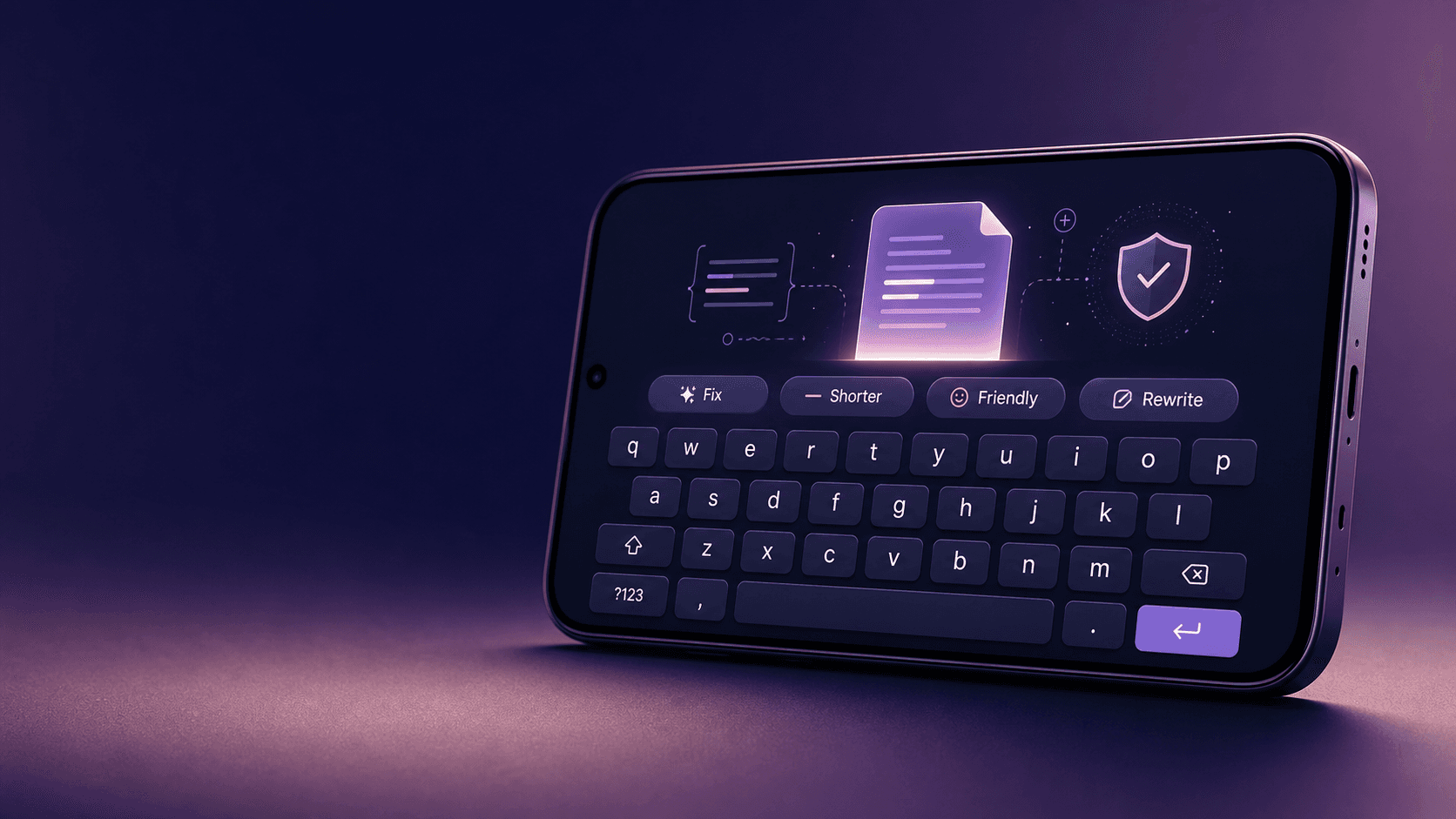
Building Lexora: A Privacy-First Writing Keyboard That Works Offline
Lexora is an Android keyboard that helps people improve spelling, grammar, clarity, and tone wherever they write. Here is how I built its on-device writing engine, custom keyboard, and fast Android integration without sending text to a server.
Oct 2026 · 7 min read
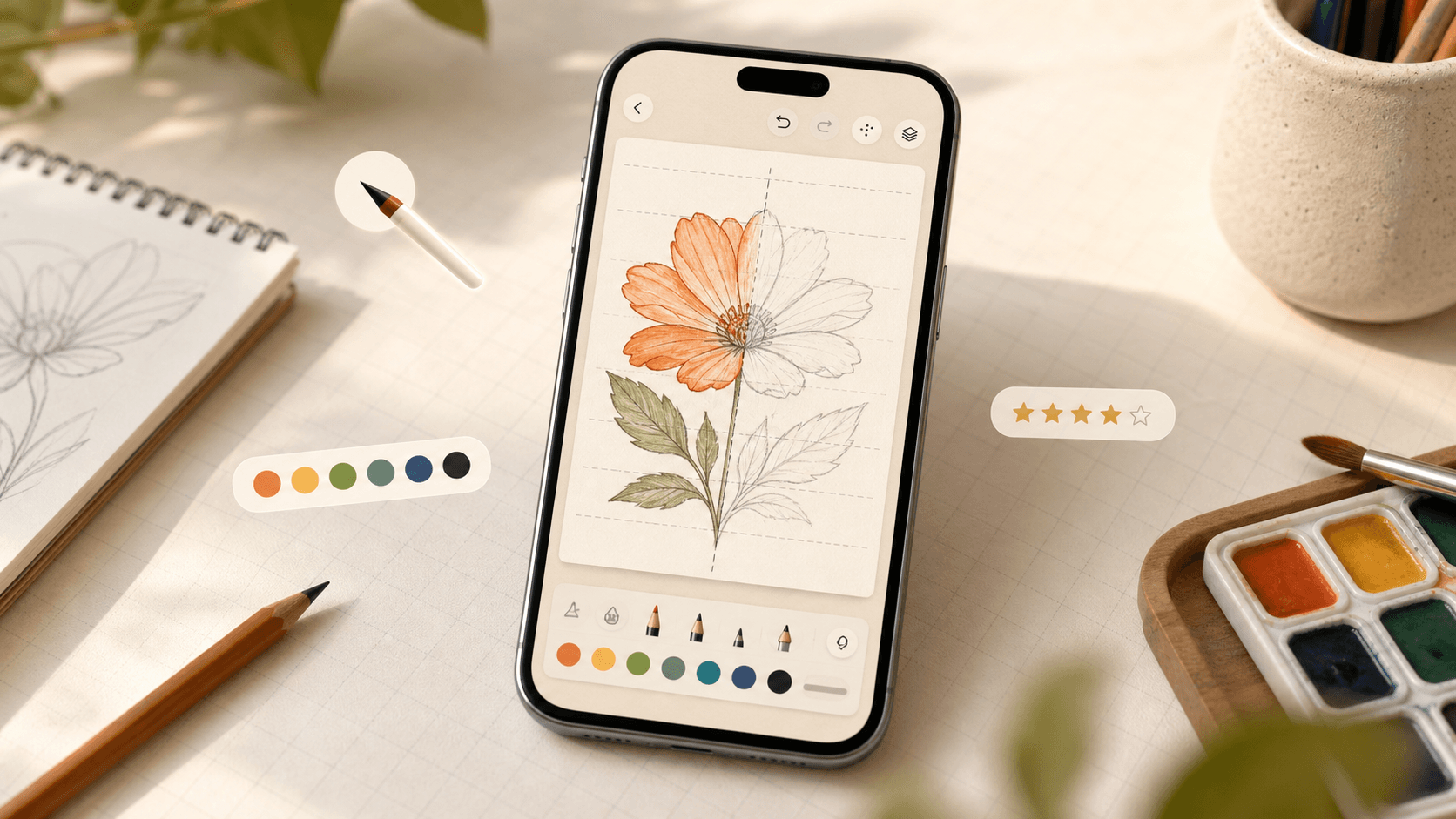
Building iDraw: A Flutter Drawing App With Lessons, a Studio, and an AI Coach
iDraw is a Flutter app I’m building to help people learn to draw — guided lessons, a freehand studio, progress tracking, and an AI coach powered by Google Gemini. Here’s the product brief and the tech behind the strokes.
Sep 2026 · 5 min read
What Shipping Many Flutter Apps Taught Me About On-Device Work, Honest Offline, and Thin Clients
Flutter is how I ship. The interesting part isn’t widgets — it’s the product bets that keep repeating: on-device compute, honest fallbacks, and thin clients for heavy backends.
Aug 2026 · 4 min read
Discussion
Questions or notes. Comments live on GitHub Discussions.