Sep 2026 · 5 min read
Building iDraw: A Flutter Drawing App With Lessons, a Studio, and an AI Coach
iDraw is a Flutter app I’m building to help people learn to draw — guided lessons, a freehand studio, progress tracking, and an AI coach powered by Google Gemini. Here’s the product brief and the tech behind the strokes.
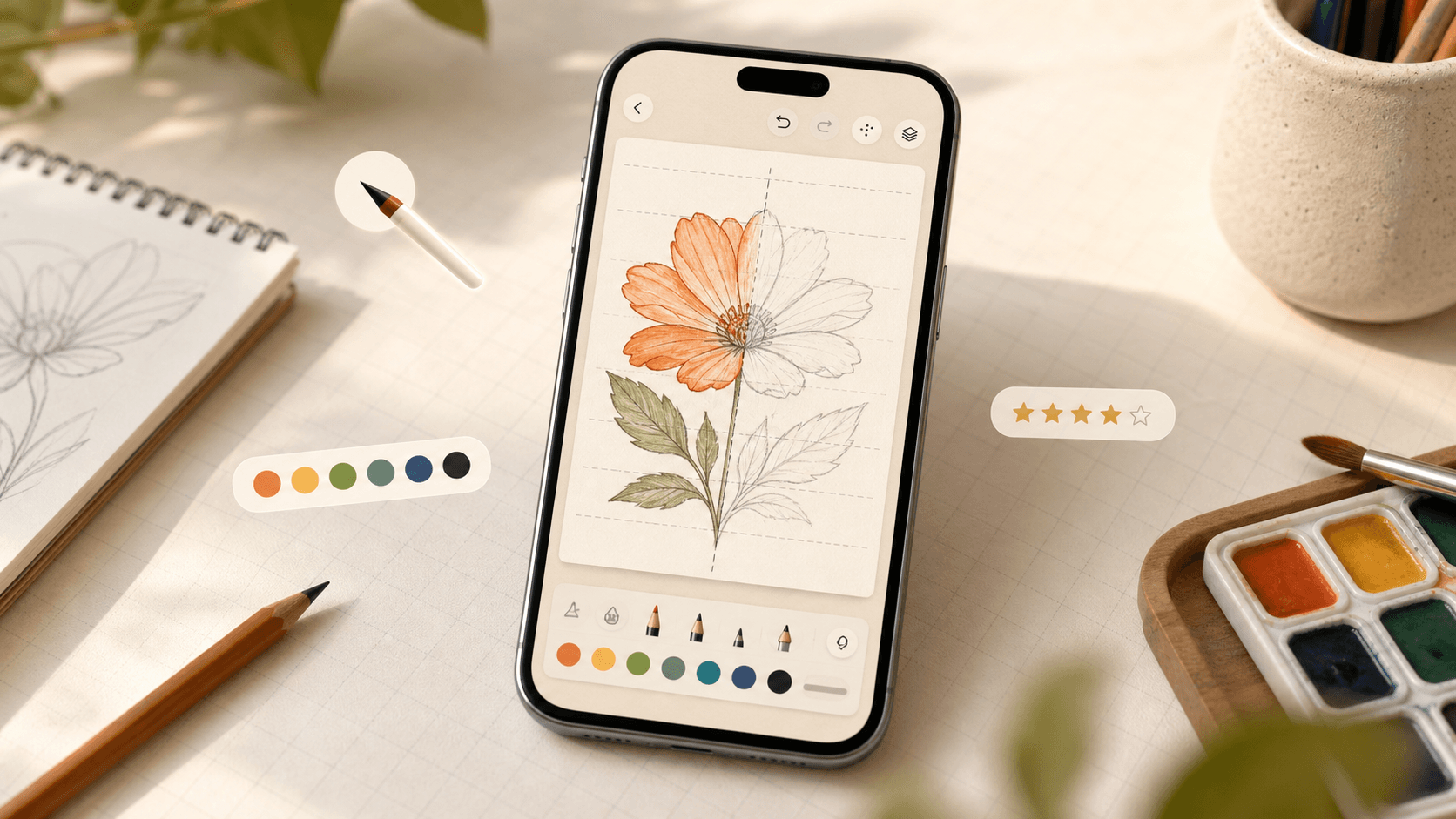
Learning to draw usually means either copying YouTube tutorials or staring at a blank canvas. I wanted something in between: an app that teaches with clear steps, still feels like a real sketchbook when you freehand, and can give useful feedback when you’re stuck.
That’s what I’m building with iDraw — a learn-to-draw app for iOS and Android, built entirely with Flutter.
What iDraw is
iDraw is a drawing companion with a few connected pieces:
- Guided lessons — step-by-step traces with animated dashed guides, ghosted completed steps, and an accuracy score with stars
- Drawing studio — freehand canvas with five brushes, colour picker, grid, mirror mode, undo/redo, and paper colours
- AI coach — powered by Google Gemini: critique a drawing, generate ideas, or get a step-by-step guide for any subject
- Gallery — save, browse, zoom, share, and keep AI score badges on finished work
- Progress — XP, levels, streaks, daily challenges, and profile stats
The goal is simple: open the app, draw a little every day, get better, and keep a trail of what you made.
The drawing engine (where the “feel” lives)
Under the hood, drawing is a classic Flutter pointer → stroke → paint pipeline.
DrawingCanvas listens for touch. It tracks a single finger so a palm or second touch doesn’t leave stray marks. Pointer down begins a stroke, move extends it (with light point thinning), and up commits it.
DrawingController owns the state: stroke list, current brush, colour, width, symmetry, undo/redo, and background. Each stroke stores points plus brush type — ink, pencil, marker, glow, or eraser.
StrokesPainter renders everything with CustomPaint. Paths are smoothed with quadratic curves through midpoints so lines feel natural, not jagged. Brushes are mostly paint settings (alpha, width, blur); the eraser uses BlendMode.clear. Mirror mode redraws a flipped copy of mirrored strokes.
Committed strokes are cached as a ui.Picture, so only the live stroke is redrawn while you move. That keeps the canvas smooth even after dozens of marks. Toolbars listen separately, so they don’t rebuild on every point.
Lessons reuse the same engine. A trace scorer compares your strokes to the guide paths and returns a 0–100 score (coverage + precision), then maps that to stars.
Product surfaces at a glance
Area | Brief |
|---|---|
Splash & onboarding | Logo draws itself stroke by stroke; three onboarding pages with live vector art |
Learn tab | Level ring, streak, continue-lesson hero, daily challenge, category carousels |
Lessons | Animated guides, accuracy score, auto-save, confetti on finish |
Studio | Full brush toolkit, grid/mirror, save & share as PNG |
AI Coach | Critique, ideas, and step guides via Gemini (with on-device key option and consent) |
Gallery & Profile | Artwork library plus stats, premium status, settings, and legal links |
All artwork, lessons, copy, icon, and code in the project are original to it.
Technology stack
iDraw is a Flutter app (Dart 3), shipping to both mobile platforms from one codebase.
Core
- Flutter / Material UI
- Custom painting (
CustomPainter,dart:uiPicture caching) for the canvas ChangeNotifier/ValueNotifierfor scoped rebuilds
AI
- Google Gemini via
http(GeminiService) - Critique, idea generation, and step-by-step guides
- Model fallback chain if a model is retired or overloaded
- Optional user-provided API key stored only on device
Persistence & media
shared_preferencesfor progress, settings, streaks, AI quota- Local gallery: PNG files + index in the documents folder
share_plus/galfor sharing and saving to the device gallery
Monetization & growth
in_app_purchase(StoreKit / Play Billing) — yearly, monthly, lifetimegoogle_mobile_ads- Firebase Analytics & Crashlytics
- App Tracking Transparency, in-app review, connectivity checks
Motion & polish
flutter_animate, Google Fonts, SVG, custom logo/sketch painters
Architecture stays intentionally flat: data/ for lessons and challenges, drawing/ for the canvas, services/ for state/AI/purchases, and screens/ / widgets/ for UI. That keeps the drawing core easy to test and iterate without dragging the whole app with it.
What I’m optimizing for
Three things matter most while I ship this:
- Feel — strokes should feel immediate and forgiving on a phone
- Learning loop — lessons → score → streak → come back tomorrow
- Honest AI help — optional, consent-based feedback that points at the next skill, not generic praise
There’s still work before a public release (store products, receipt validation, privacy URLs, bundle IDs), but the core loop already works: draw, learn, save, improve.
Why I’m writing this
Building iDraw has been a mix of product design and low-level Flutter graphics. The “simple” act of drawing on a screen turns into pointer filtering, stroke models, path smoothing, picture caching, blend modes, and scoring — then you wrap that in lessons, AI, and a gallery so it feels like a product, not a demo.
If you’re building a creative app in Flutter, start with the canvas feel. Everything else — AI coach, paywall, streaks — sits on top of whether the first stroke feels right.
I’m still building in public. More soon as lessons, AI flows, and polish land.
Related work
Apps, packages, and projects this piece connects to.

More writing
Other notes from the archive.
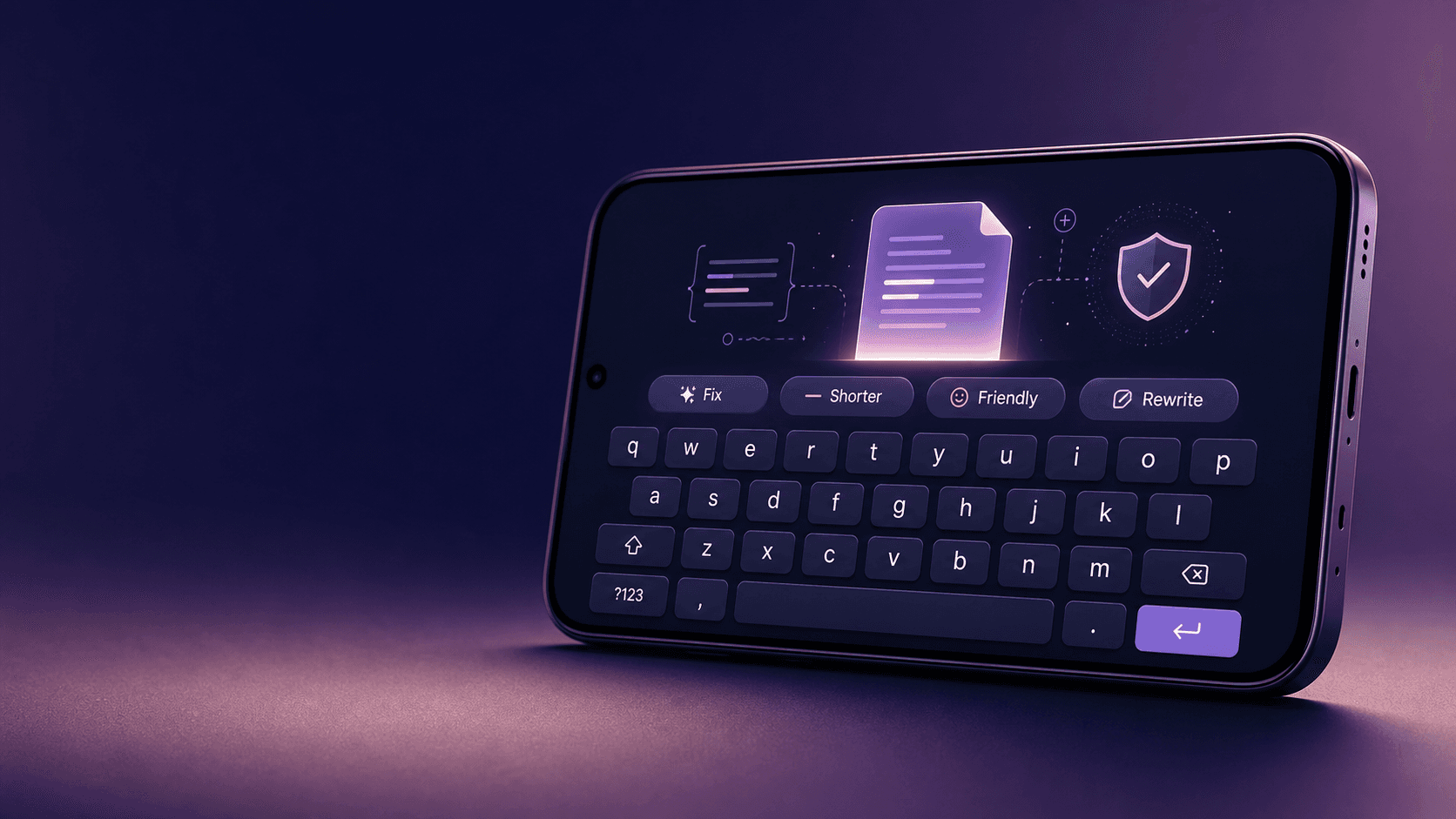
Building Lexora: A Privacy-First Writing Keyboard That Works Offline
Lexora is an Android keyboard that helps people improve spelling, grammar, clarity, and tone wherever they write. Here is how I built its on-device writing engine, custom keyboard, and fast Android integration without sending text to a server.
Oct 2026 · 7 min read
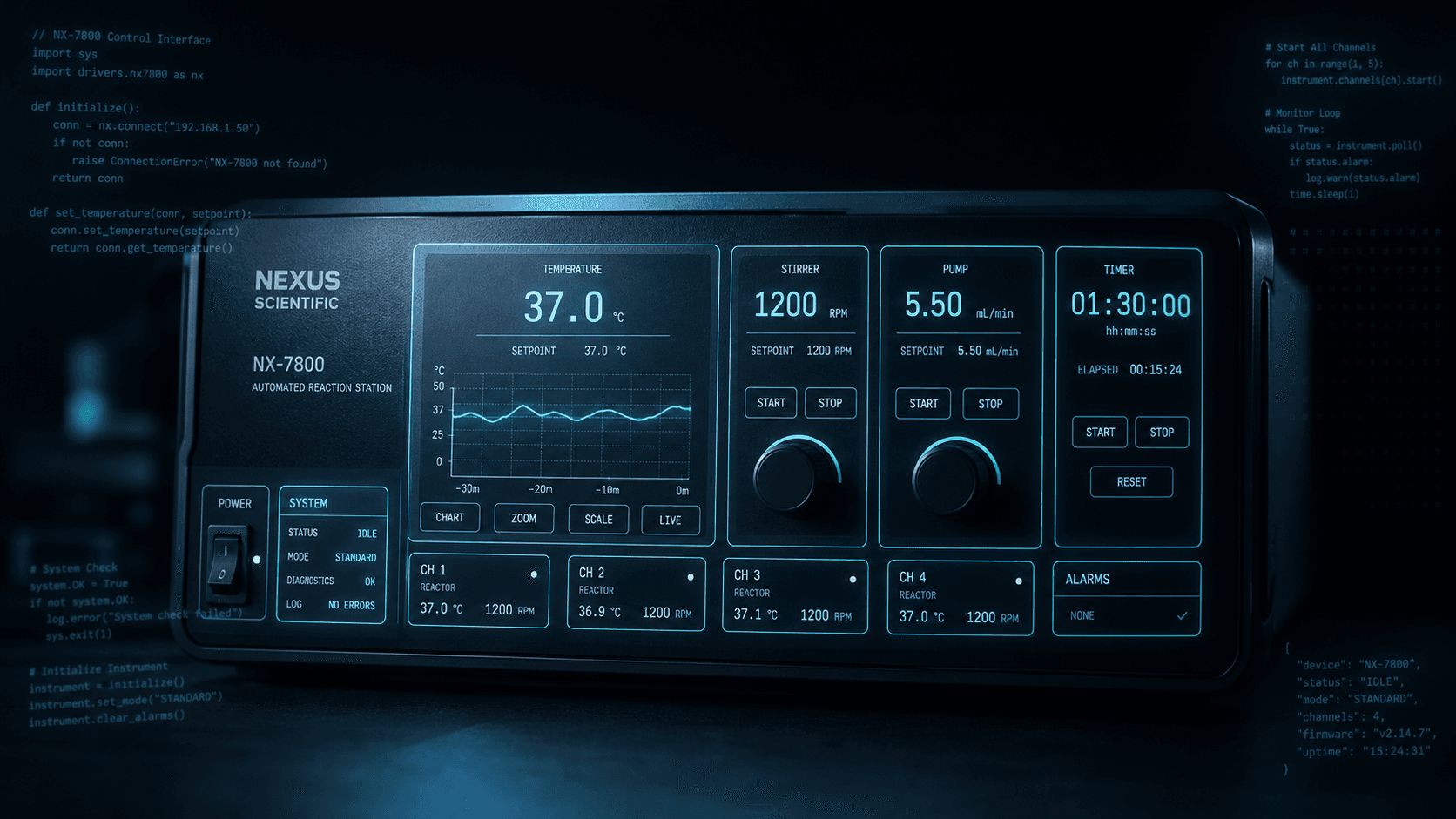
Building a scripting language for hardware panels
Rushabh's lab instruments speak in fixed-width serial strings, and every new panel meant another hardcoded Android screen. So I built a language instead: a lexer, a typed statement tree, an expression evaluator, and buttons you place on a photograph of the machine.
Aug 2026 · 7 min read

What Shipping Many Flutter Apps Taught Me About On-Device Work, Honest Offline, and Thin Clients
Flutter is how I ship. The interesting part isn’t widgets — it’s the product bets that keep repeating: on-device compute, honest fallbacks, and thin clients for heavy backends.
Aug 2026 · 4 min read
Discussion
Questions or notes. Comments live on GitHub Discussions.