Aug 2026 · 2 min read
Building SellSnap AI: Seller Campaigns With an Offline-First Demo Path
I shipped SellSnap for small online sellers. The bet wasn’t cloud AI. It was a complete campaign flow that still works in demo mode on your phone.
- flutter
- ai
- ecommerce
- image-processing
- offline-first
- sellers
- onnx
.jpg&w=3840&q=75)
I shipped SellSnap AI — turn one product photo into listing imagery, promotional posters, and shareable captions for small online sellers.
AI product tools usually assume a live backend on day one. SellSnap assumes a seller who wants to see the flow before trusting the cloud.
The campaign loop
Photo source → crop → background removal → product details → style / scene → generation → poster editor → captions → project library.
Captions target English, Urdu (RTL, Nastaliq-capable fonts), and Roman Urdu — because the audience is not a Silicon Valley demo reel.
Privilege boundary
Architecture rule: the client never holds AI provider keys, never is the source of truth for purchase verification, and never silently mutates credit balances as if it were the server.
Feature-first Flutter with Riverpod. Mock implementations sit beside real ones and are selected via config (hasBackend) — never by accident. Privileged work goes through the SellSnap backend when connected.
That keeps a stolen APK from becoming a stolen OpenAI bill.
Demo mode is a product, not a stub
In demo mode, processing happens on the phone so the full UX is reviewable offline. Connected providers improve quality later — and the UI says exactly that.
Background removal can run on-device via ONNX / U²-Net (OnnxBackgroundRemovalProvider), with a color-distance fallback in compute when the native runtime isn’t available (tests, unsupported platforms, init failure). Export captures widget boundaries to PNG/JPG for gallery or share.
Demo billing is banner-labeled: no real charges; purchases only simulate entitlement on this device.
Trust copy is part of the architecture
Disclosure isn’t a settings dump:
- What the AI does (cutout, scenes, captions)
- Generated images can drift — verify against the real product before posting
- Photos aren’t used to train models without explicit opt-in
Sellers lose money when a generated image lies. The app should say that before they do.
What I’d still harden
Production activation (backend deploy, store products, provider keys, legal URLs, release signing) is a checklist, not a weekend. Cloud quality will always outpace the on-device demo — keep the gap visible. Moderation belongs on both client and server before scale.
Bet: ship the workflow offline first; upgrade the model second.
If you’re building AI for merchants: make demo mode tell the truth, and keep secrets off the device.
Tagged
- flutter
- ai
- ecommerce
- image-processing
- offline-first
- sellers
- onnx
More writing
Other notes from the archive.

Building Lexora: A Privacy-First Writing Keyboard That Works Offline
Lexora is an Android keyboard that helps people improve spelling, grammar, clarity, and tone wherever they write. Here is how I built its on-device writing engine, custom keyboard, and fast Android integration without sending text to a server.
Oct 2026 · 7 min read

Building iDraw: A Flutter Drawing App With Lessons, a Studio, and an AI Coach
iDraw is a Flutter app I’m building to help people learn to draw — guided lessons, a freehand studio, progress tracking, and an AI coach powered by Google Gemini. Here’s the product brief and the tech behind the strokes.
Sep 2026 · 5 min read
Building a scripting language for hardware panels
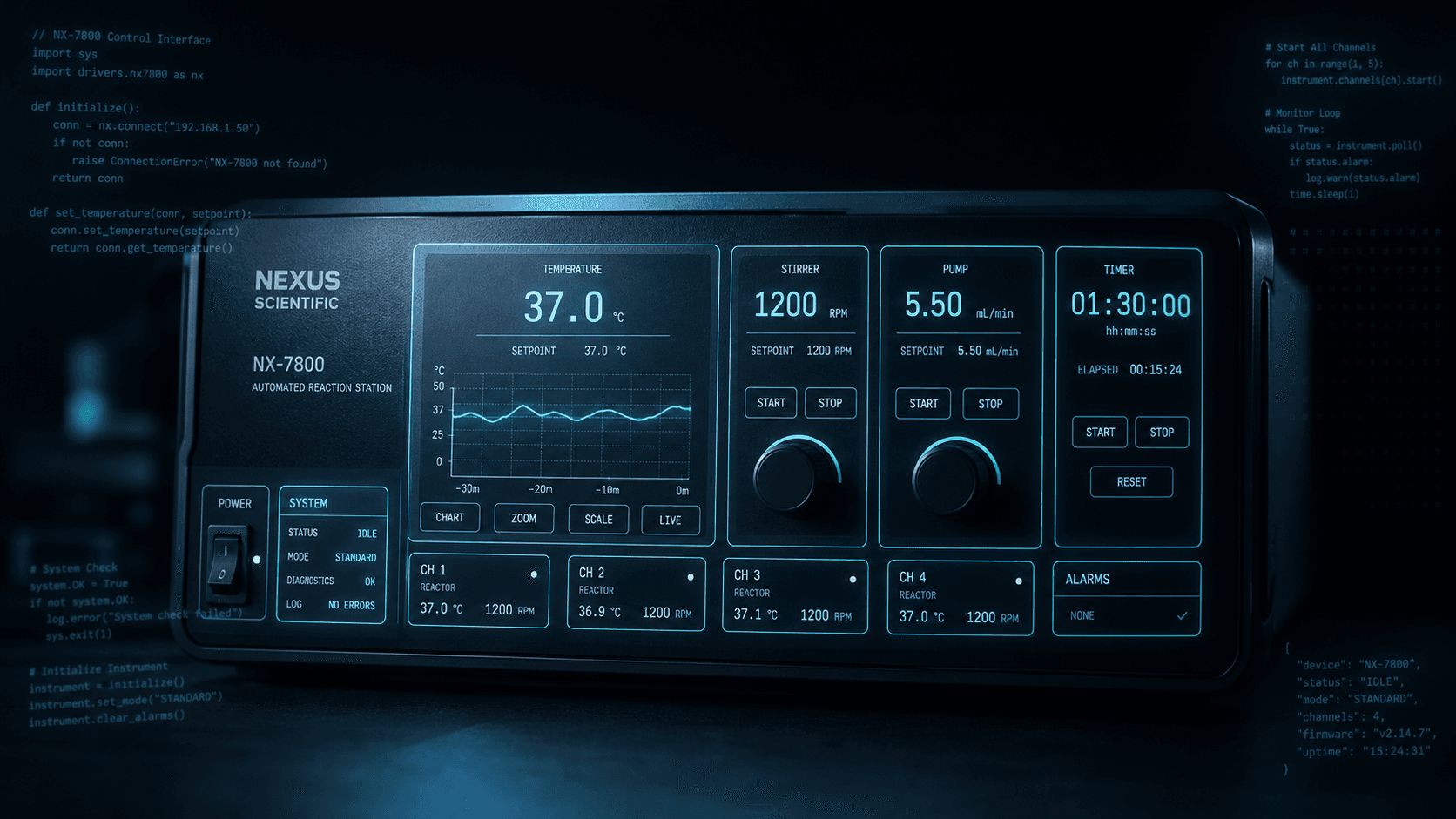
Rushabh's lab instruments speak in fixed-width serial strings, and every new panel meant another hardcoded Android screen. So I built a language instead: a lexer, a typed statement tree, an expression evaluator, and buttons you place on a photograph of the machine.
Aug 2026 · 7 min read
Discussion
Questions or notes. Comments live on GitHub Discussions.