Aug 2026 · 2 min read
Building Website Builder: A Mobile Ops Client for Template-to-Deploy Sites
I shipped Website Builder as a phone client for Buildly. After App Builder’s APK pipeline, this is the web twin: customize, generate, deploy, and edit real HTML structure on the go.
.webp&w=3840&q=75)
I shipped Website Builder (Mak Apps) — the Flutter client for Buildly, a mobile website builder. The UI follows the Figma designs from onboarding through site management and code editing.
If App Builder is “template → remote APK,” this is “template → site → deploy,” with the phone as the control surface.
Product surface
- Splash, onboarding, auth
- Home, My Sites, templates, customize, deploying
- Build with AI / generate-website flows gated by entitlements + ads/IAP packs (remote-config driven)
- Media library and uploads
- Site detail tools: share, export, domain, preview, SEO, history, code viewer, find & replace, rename
- Code editor with save and deploy dialogs
- Settings, paywall, language, delete account
Stack: Flutter, Riverpod + get_it, easy_localization, feature-first modules.
Why it’s not “just WebView editing”
A naive mobile builder dumps the whole HTML string into a text field and hopes. That breaks the moment you want structured CSS/JS editing.
HtmlParts treats the document as parts:
- extract inline
<style>blocks and non-src<script>bodies - merge edited CSS/JS back — replace first style/script, strip duplicates, or inject before
</head>/</body>when missing
The code editor can reason about sections of a site without round-tripping a corrupted document. Deploy remains an explicit action, not a silent autosave to production.
Monetization as feature keys
Generate-website and related actions are first-class entitlements (FeatureKeys.generateWebsite, consumable in-app packs, interstitial slots). Remote Config tunes caps without a binary release — same pattern as other Mak Apps clients.
Pairing with App Builder
Together they tell a coherent story:
App Builder | Website Builder | |
|---|---|---|
Artifact | Signed APK | Deployed site / HTML |
Customize | Server-driven form schema | Templates + customize + AI build |
Heavy work | Remote Gradle worker | Backend generate/deploy |
Phone role | Job orchestrator | Site ops + structured code tools |
Neither pretends the phone compiles the world. Both optimize for shipping something real from a mobile session.
What I’d still harden
Keep API errors human (site tools already avoid dumping Dio internals). Production deploy needs clear preview-vs-live semantics and rollback/history UX. Own the AI generate backend the same way App Builder owns workers — keys and abuse off-device. Complete any remaining backend parity beyond the Figma-complete client.
Bet: mobile website builders win as ops consoles with surgical HTML tools — not as full desktop IDEs crammed onto a phone.

More writing
Other notes from the archive.
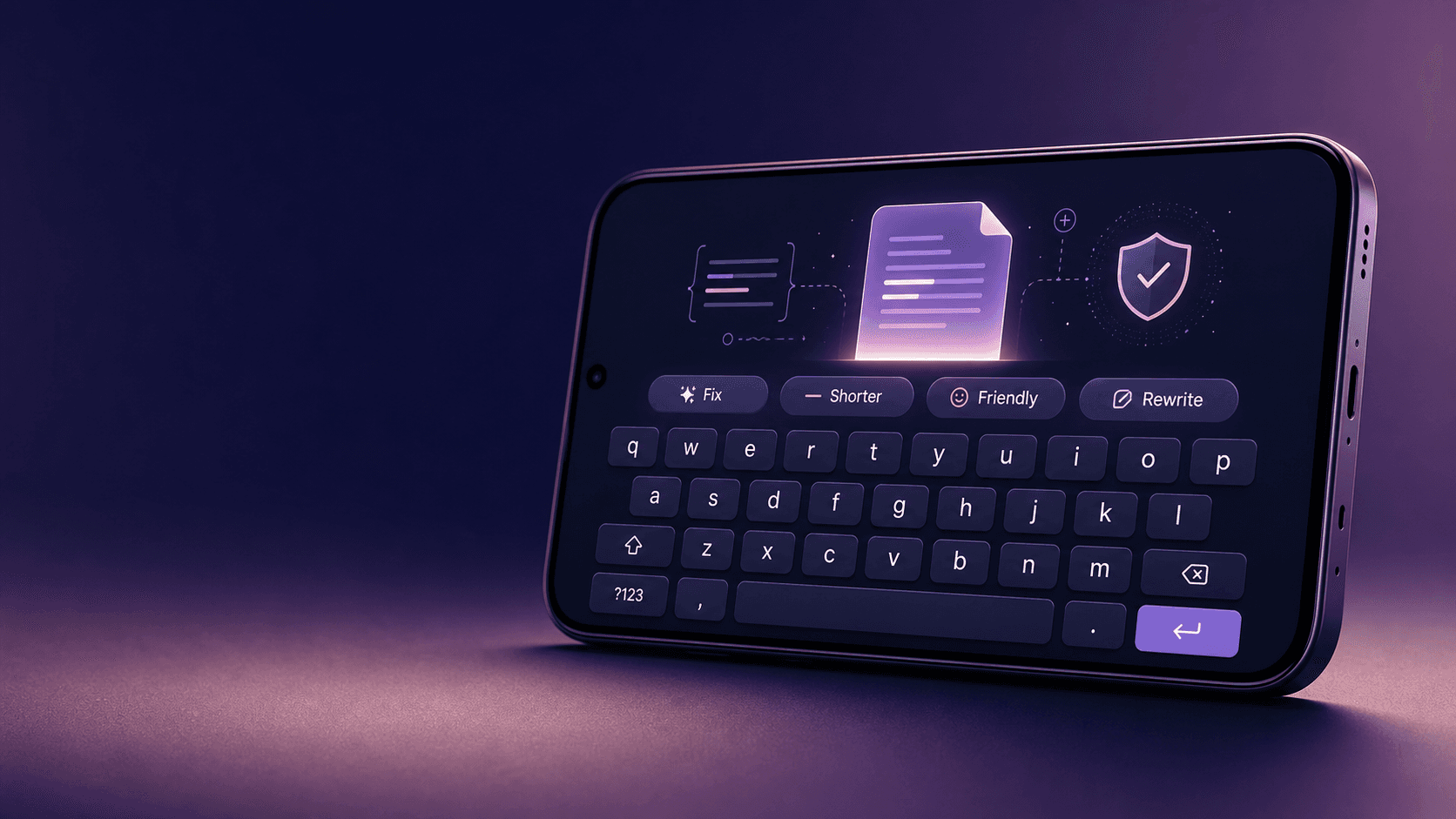
Building Lexora: A Privacy-First Writing Keyboard That Works Offline
Lexora is an Android keyboard that helps people improve spelling, grammar, clarity, and tone wherever they write. Here is how I built its on-device writing engine, custom keyboard, and fast Android integration without sending text to a server.
Oct 2026 · 7 min read
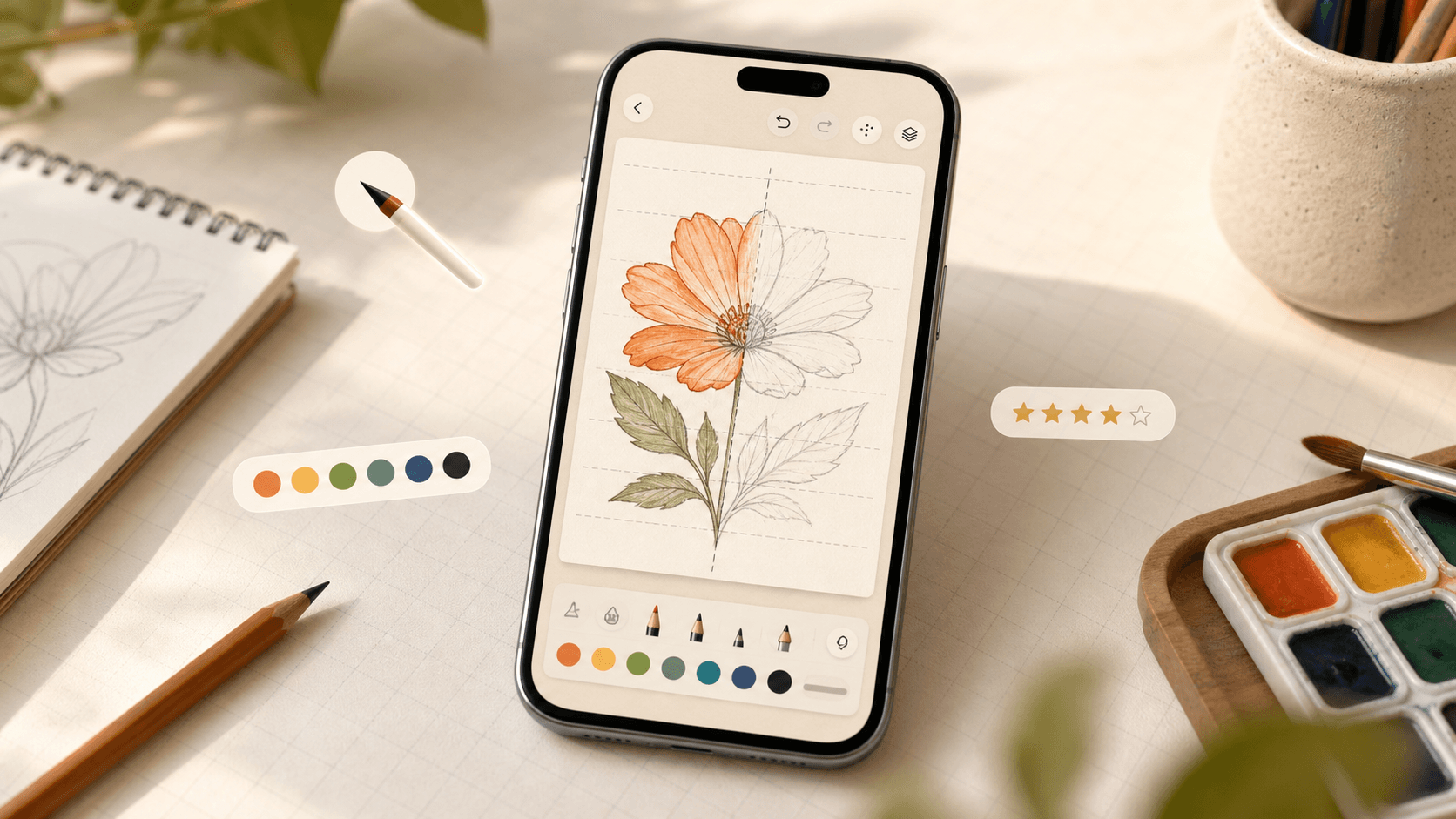
Building iDraw: A Flutter Drawing App With Lessons, a Studio, and an AI Coach
iDraw is a Flutter app I’m building to help people learn to draw — guided lessons, a freehand studio, progress tracking, and an AI coach powered by Google Gemini. Here’s the product brief and the tech behind the strokes.
Sep 2026 · 5 min read
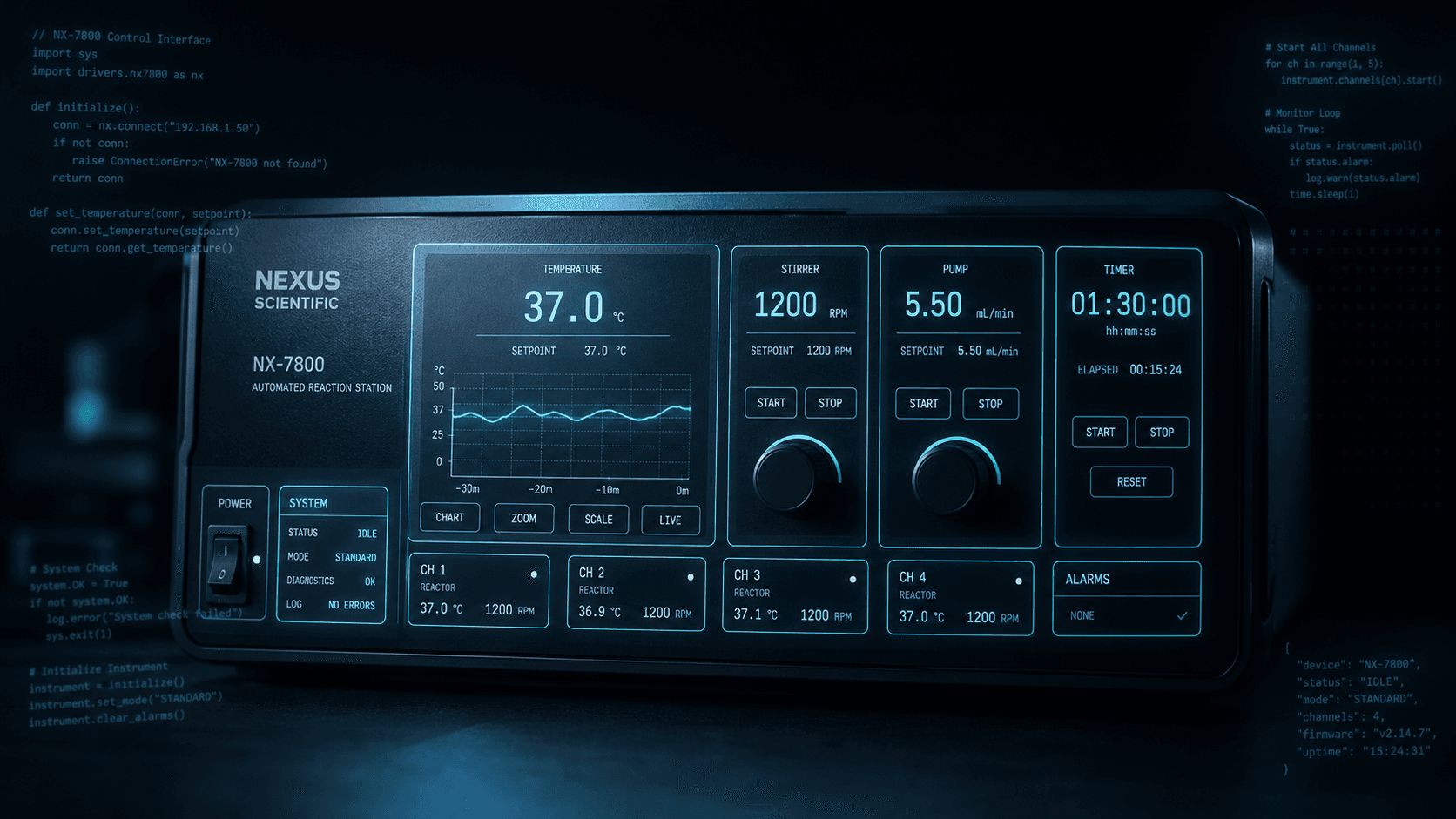
Building a scripting language for hardware panels
Rushabh's lab instruments speak in fixed-width serial strings, and every new panel meant another hardcoded Android screen. So I built a language instead: a lexer, a typed statement tree, an expression evaluator, and buttons you place on a photograph of the machine.
Aug 2026 · 7 min read
Discussion
Questions or notes. Comments live on GitHub Discussions.