Aug 2026 · 3 min read
Building VidWeave: On-Device Video Rendering That Keeps Edits Accurate
Last week I shipped VidWeave - a mobile video studio. The hardest (and most interesting) part wasn’t the editor UI. It was rendering on-device at multiple resolutions without breaking the user’s edits.
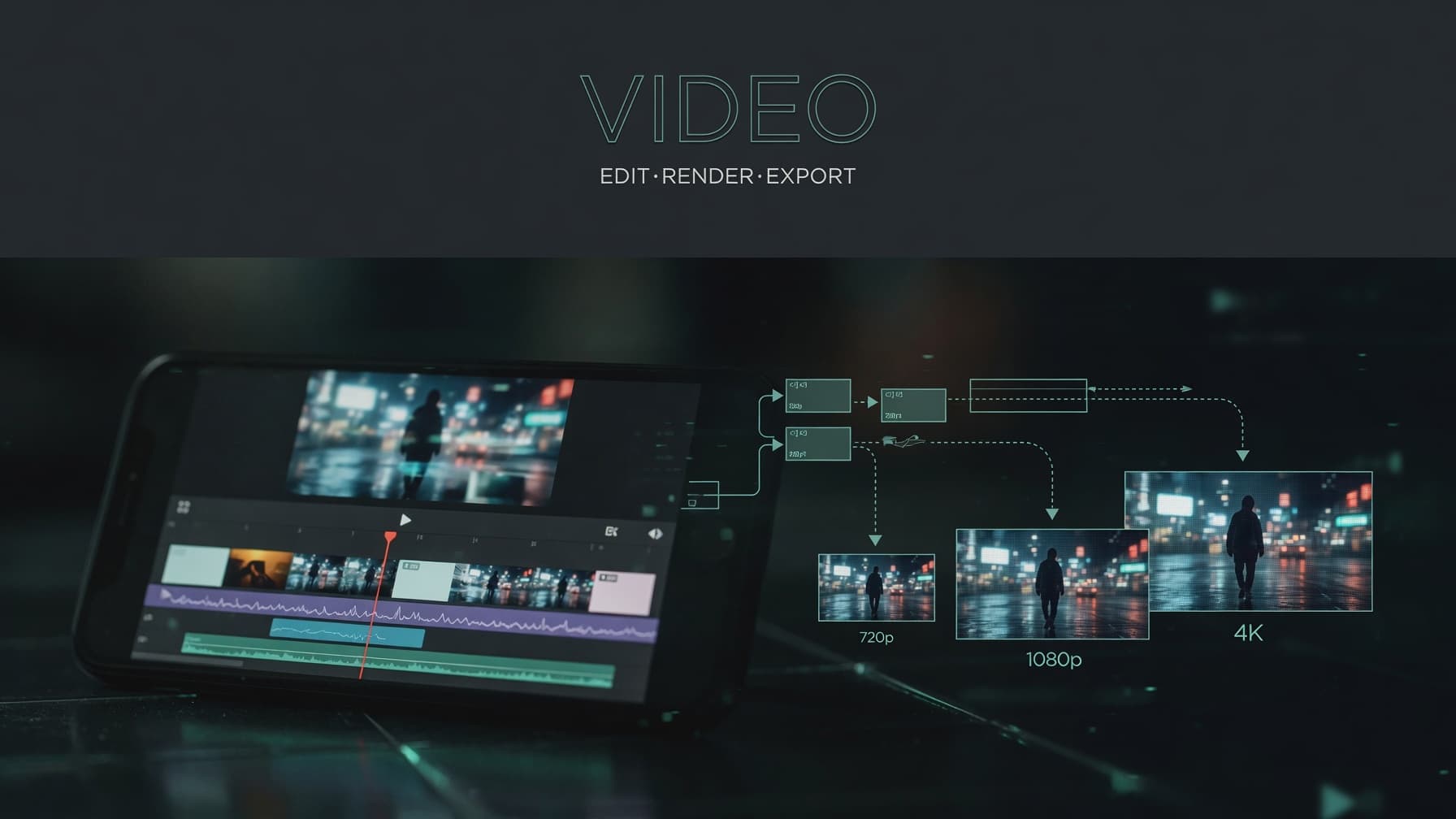
Last week I shipped VidWeave - a mobile video studio for stitching clips, photos, and sound into shareable stories.
Building the editor was fun. Making export feel trustworthy was the real work.
The problem that stuck with me
Users don’t think in codecs. They think: I trimmed this, cropped that, slowed this clip, bumped the brightness - now export it for Instagram / YouTube / whatever.
On a phone, that means rendering locally, often at different output sizes, without the result looking “almost right.” Almost right is still wrong.
So the interesting challenge became:
How do you export the same timeline at multiple resolutions and keep every edit accurate?
What “accurate” actually means
For VidWeave, that meant the export pipeline had to honour:
- Trim ranges and clip order
- Speed and volume
- Crop, rotation, and flip
- Colour / tone adjustments
- Canvas aspect ratio and background
- Target resolution and frame rate from export settings
If any of those drift when you scale from 720p → 1080p → 4K, the product feels broken - even if the timeline preview looked fine.
The approach: normalize, then compose
The pipeline (Flutter + on-device FFmpeg) roughly works like this:
- Normalize each clip into a uniform segment - same codec, size, and fps - while applying that clip’s edits.
- Concatenate those segments into a single timeline.
- Composite overlays (text, stickers, captions) when present.
- Mix in music / transitions where supported.
- Write the final file and save it to the device gallery.
The key insight: don’t treat resolution as a late “resize the finished video” step. Bake the target size into the per-clip normalization, so crop math, letterboxing, and colour filters are computed against the export canvas the user asked for - not against whatever source dimensions happened to arrive from the camera roll.
That way a 9:16 project exported at 1080×1920 and at 720×1280 isn’t two different creative interpretations. It’s the same edit, scaled correctly.
Why on-device (and why it’s hard)
Cloud rendering would offload CPU/GPU pain. On-device keeps media private, works offline, and ships faster for a v1 - but you’re fighting:
- Device CPU/thermal limits
- Memory pressure on long timelines
- Codec quirks across Android / iOS
- Progress, cancel, and cache cleanup UX when a render takes minutes
Those constraints shaped the product as much as the feature list did.
What I shipped
VidWeave is a Flutter app with a dark, Material 3 editor: media picker, timeline tools (trim, split, speed, volume, crop, filters, text, stickers, subtitles, music, canvas), and a real FFmpeg export path.
Store links:
What I’d still improve
Overlays, motion transitions, and music mixing are areas I’d keep hardening. Caption generation still needs a real speech-to-text backend. And long exports will always want smarter caching / resumability.
But the core bet - local render that respects the edit at any resolution - is the part I’m proudest of shipping.
If you’re building media tools on mobile: treat export resolution as part of the edit model, not a post-process. Your users will feel the difference immediately.

More writing
Other notes from the archive.
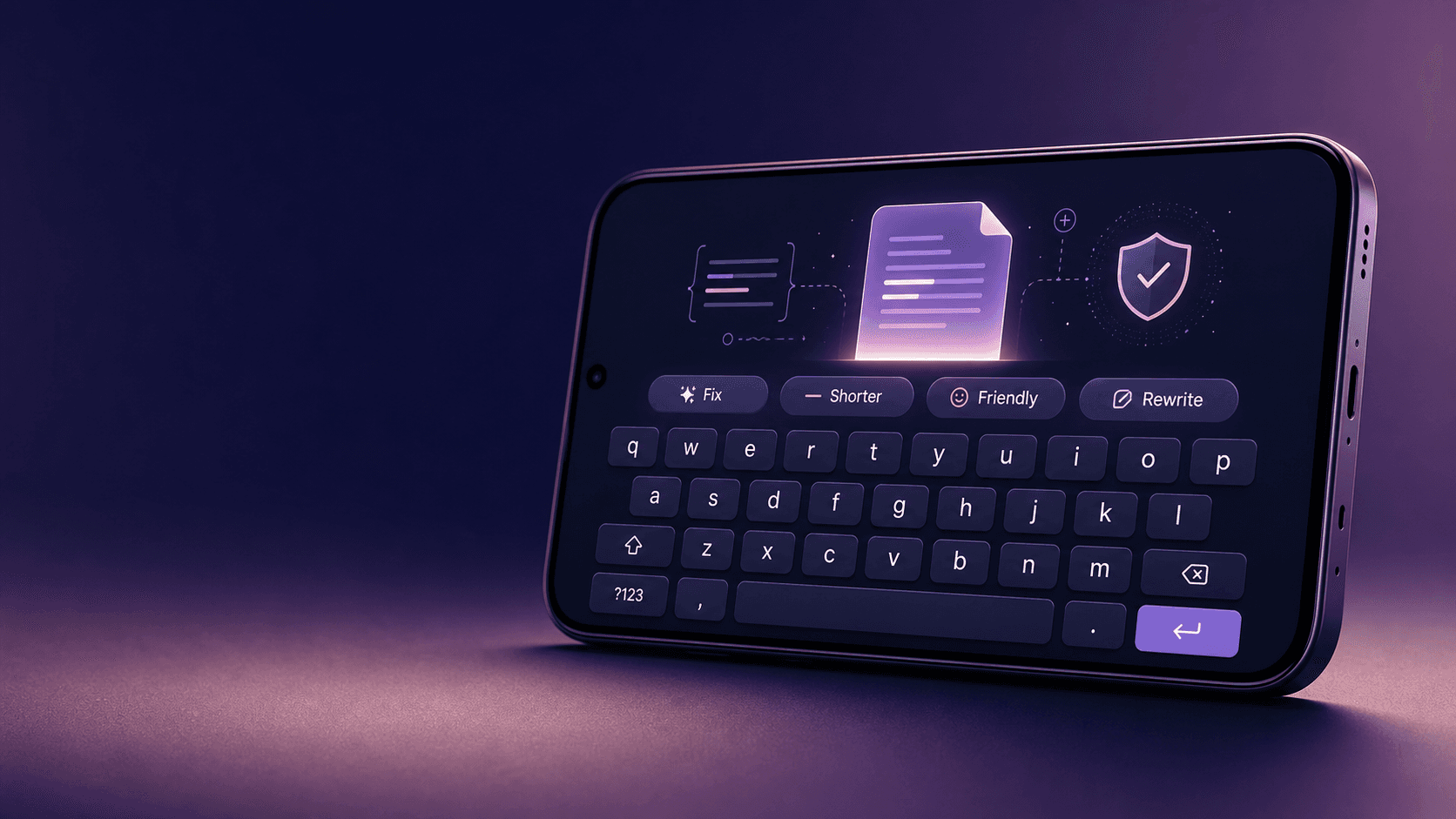
Building Lexora: A Privacy-First Writing Keyboard That Works Offline
Lexora is an Android keyboard that helps people improve spelling, grammar, clarity, and tone wherever they write. Here is how I built its on-device writing engine, custom keyboard, and fast Android integration without sending text to a server.
Oct 2026 · 7 min read
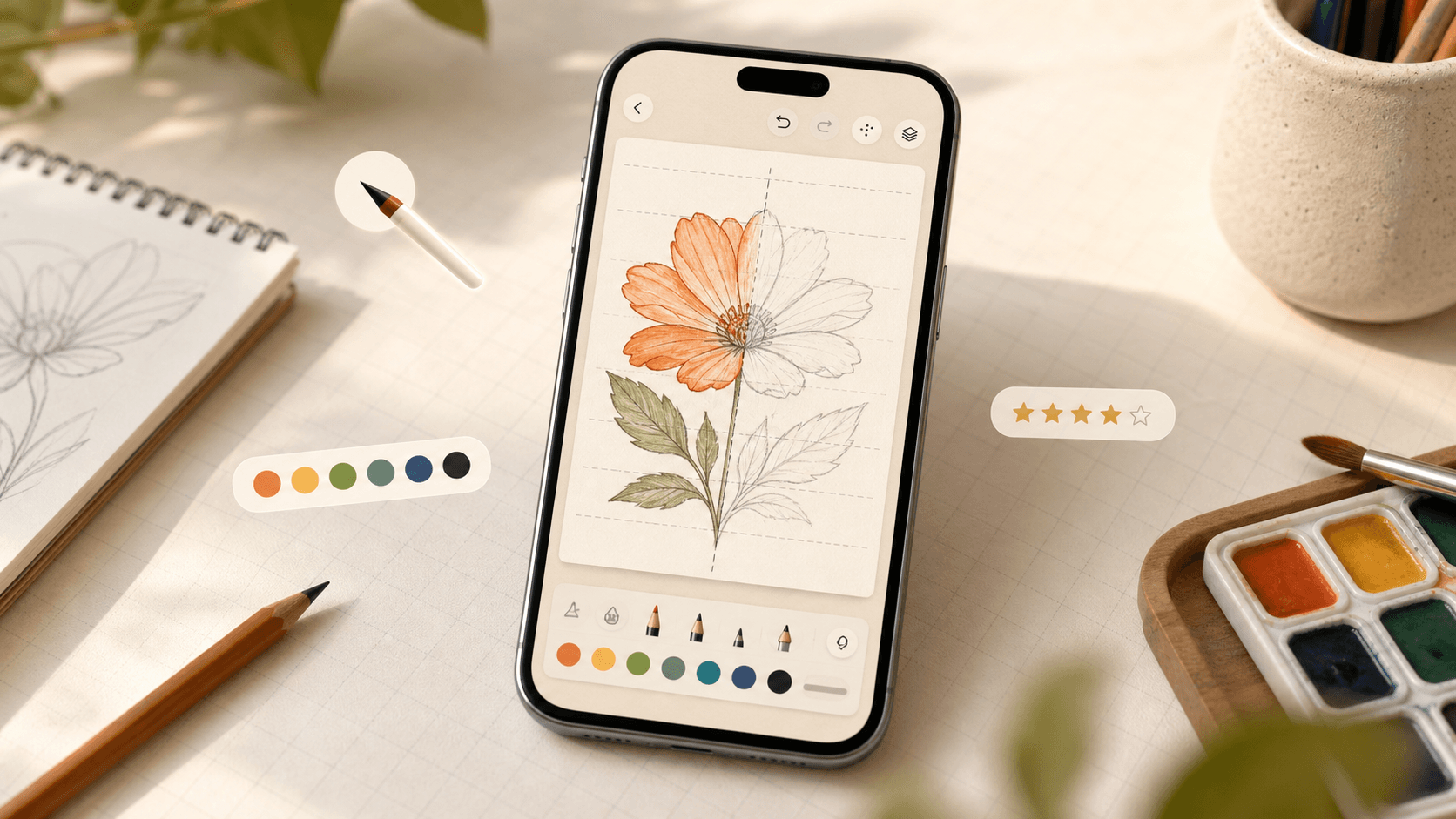
Building iDraw: A Flutter Drawing App With Lessons, a Studio, and an AI Coach
iDraw is a Flutter app I’m building to help people learn to draw — guided lessons, a freehand studio, progress tracking, and an AI coach powered by Google Gemini. Here’s the product brief and the tech behind the strokes.
Sep 2026 · 5 min read
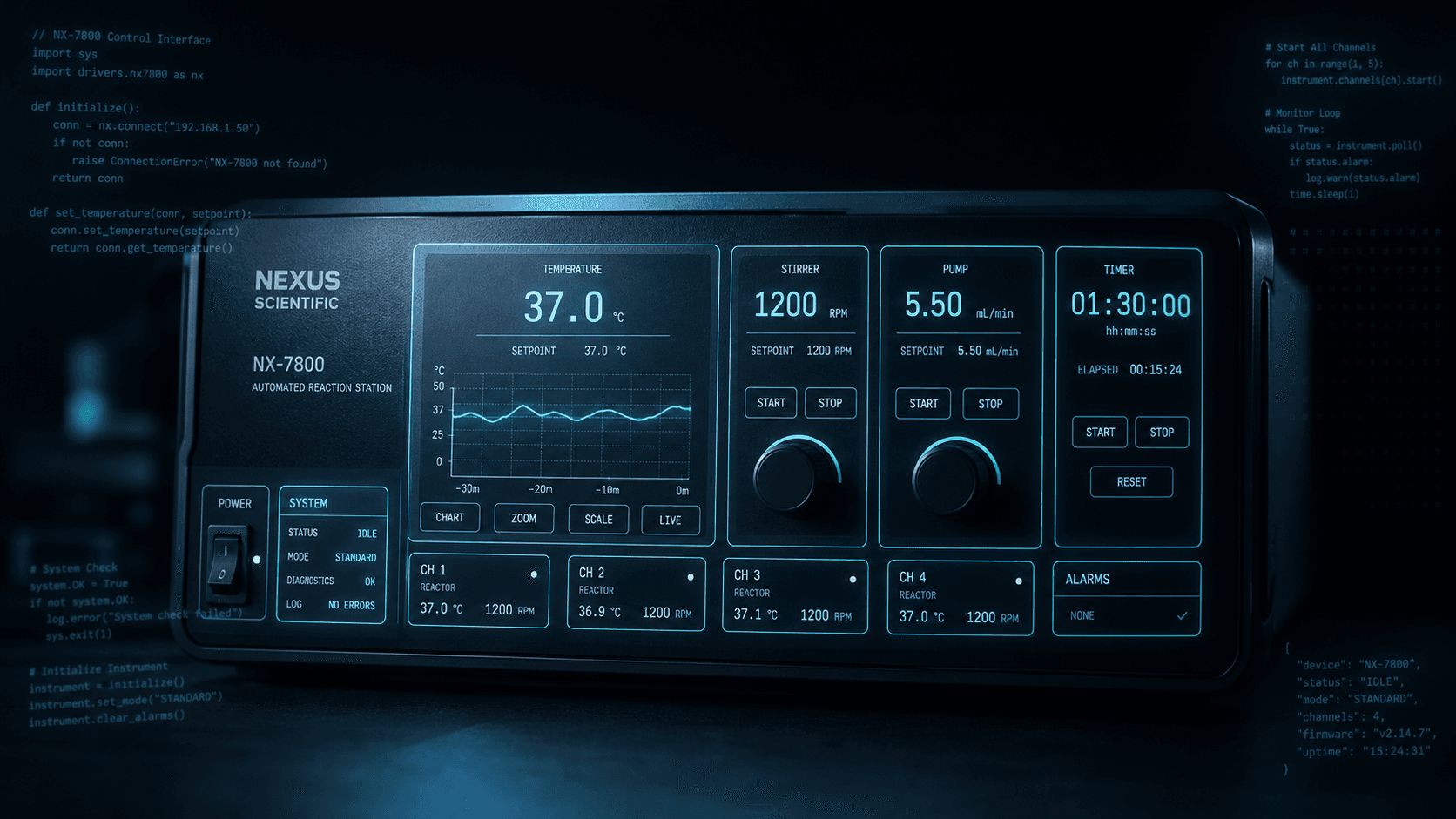
Building a scripting language for hardware panels
Rushabh's lab instruments speak in fixed-width serial strings, and every new panel meant another hardcoded Android screen. So I built a language instead: a lexer, a typed statement tree, an expression evaluator, and buttons you place on a photograph of the machine.
Aug 2026 · 7 min read
Discussion
Questions or notes. Comments live on GitHub Discussions.