Aug 2026 · 4 min read
Building Cadora: On-Device 3D CAD Where Face IDs Matter More Than Triangles
I shipped Cadora — solid modelling on a phone. The hard part wasn’t drawing triangles. It was keeping logical faces alive so Push/Pull still makes sense after a boolean.

I shipped Cadora — a 3D CAD and architectural modelling app for mobile. Solid modelling, parametric sketching, measurement, and multi-format export all run on the device, offline.
Most “3D on Flutter” posts stop at a viewer. Cadora is an editor with a geometry kernel.
The problem that isn’t glamorous
GPUs speak triangles. CAD users speak faces, edges, and sketches.
The flat top of a box is two triangles and one face. If you only store a triangle soup, Push/Pull, face materials, and precise picking fall apart the moment you boolean or transform the body. The model still looks fine. It stops behaving like CAD.
So the interesting constraint became:
Can a phone run a real modelling kernel — not just a mesh viewer — and keep logical faces continuous through the ops people actually use?
Face IDs are the product
In Cadora’s Mesh, every triangle carries a face id. Triangles that share an id belong to one logical CAD face.
That continuity is what makes modelling history usable:
- selection highlights a face a human recognises
- Push/Pull operates on that face
- materials attach to faces, not random triangles
- face ids are meant to survive booleans and transforms
Get this wrong and you ship a pretty renderer. Get it right and you ship a CAD app.
What’s in the kernel
The geometry stack is pure Dart — no Flutter imports — so it runs on the Dart VM in tests:
- Math — Vec2/3, Mat4, quats, planes, rays, AABBs
- Geometry — meshes with face ids, primitives, extrusion family, BSP booleans, modify ops (shell, fillet/chamfer, patterns, mirror), repair, measurement
- Sketch — parametric entities (line, rect, circle, arc, polygon, ellipse, spline, Bézier…), snapping, a constraint solver, planar-graph profile finding
- Document — immutable doc model, materials, layers
The renderer depends only on dart:ui (no widgets): orbit camera, solid/wireframe, crease edges, planar shadows, adaptive grid, and ray-cast picking at object / face / edge / vertex.
Sketch → solid is the core loop: draw on a plane, constrain it, extrude or revolve, then keep editing faces.
Export without a desktop
Models leave the phone as:
- STL (binary + ASCII) for print/slice
- OBJ + MTL
- GLB for web/AR viewers
- STEP AP214 (faceted B-rep — honest about curves becoming facets)
- DXF (3DFACE)
- PNG of the current view
Import covers STL, OBJ, and glTF/GLB. Projects persist as a versioned .cadora format with Drift for the project index, autosave, and crash recovery.
Why on-device
A modelling session with no network still has to work. Keeping the kernel local means:
- no upload of unfinished geometry to a CAD cloud
- deterministic ops you can unit-test without a GPU farm
- a clear boundary: Flutter owns UI; the kernel owns truth
264 tests exist partly because the kernel doesn’t need a widget tree to prove a boolean or a sketch solve.
What I shipped
Flutter + Riverpod + GoRouter. Editor with dozens of tools, templates, a learn track, settings that change real behaviour, and a paywall. Android is the verified ship target in this delivery; the iOS host is present but wasn’t the focus of that pass.
Store links:
What I’d still harden
STEP/DXF will always be a faceted compromise on mobile — say so in the export sheet, don’t oversell NURBS. Integration tests that call pumpAndSettle will hang forever if autosave/spinners keep scheduling frames (bounded pumps only). And a kernel this size will keep earning edge cases around repair after aggressive booleans.
The bet: triangles are for drawing; face IDs are for thinking.
If you’re putting CAD on mobile, start with the identity of a face — not the shader.
Related work
Apps, packages, and projects this piece connects to.

More writing
Other notes from the archive.
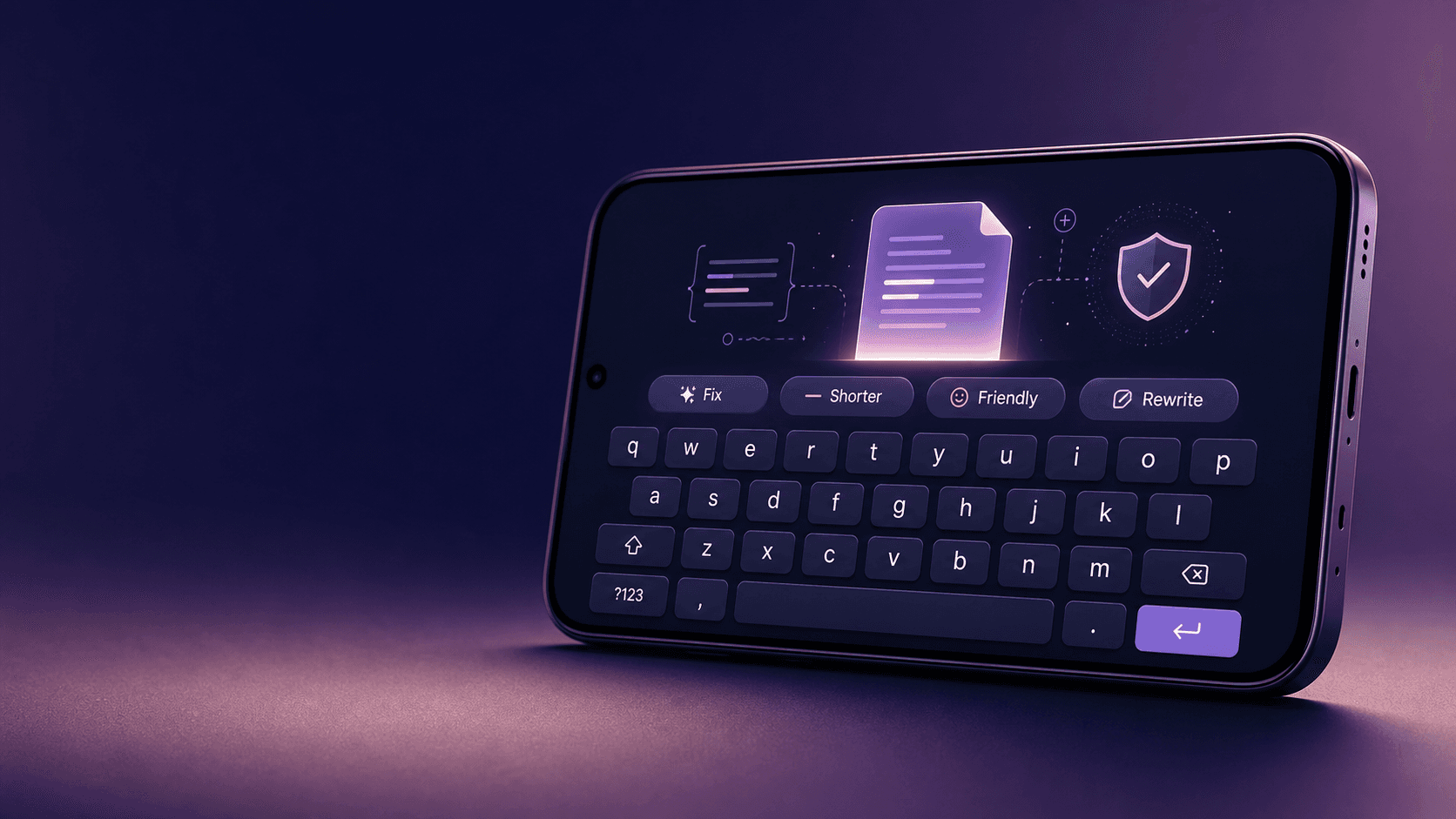
Building Lexora: A Privacy-First Writing Keyboard That Works Offline
Lexora is an Android keyboard that helps people improve spelling, grammar, clarity, and tone wherever they write. Here is how I built its on-device writing engine, custom keyboard, and fast Android integration without sending text to a server.
Oct 2026 · 7 min read
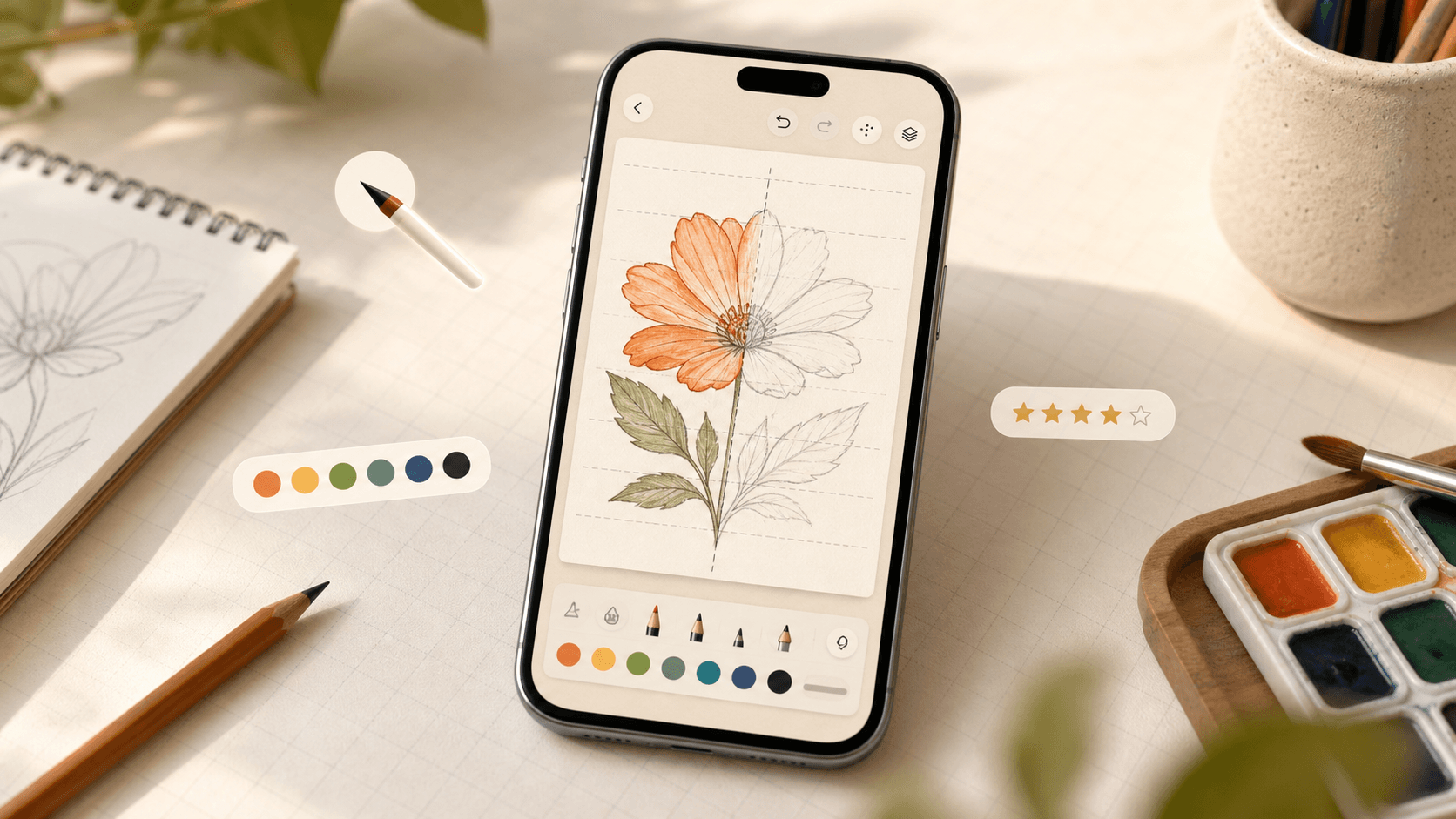
Building iDraw: A Flutter Drawing App With Lessons, a Studio, and an AI Coach
iDraw is a Flutter app I’m building to help people learn to draw — guided lessons, a freehand studio, progress tracking, and an AI coach powered by Google Gemini. Here’s the product brief and the tech behind the strokes.
Sep 2026 · 5 min read
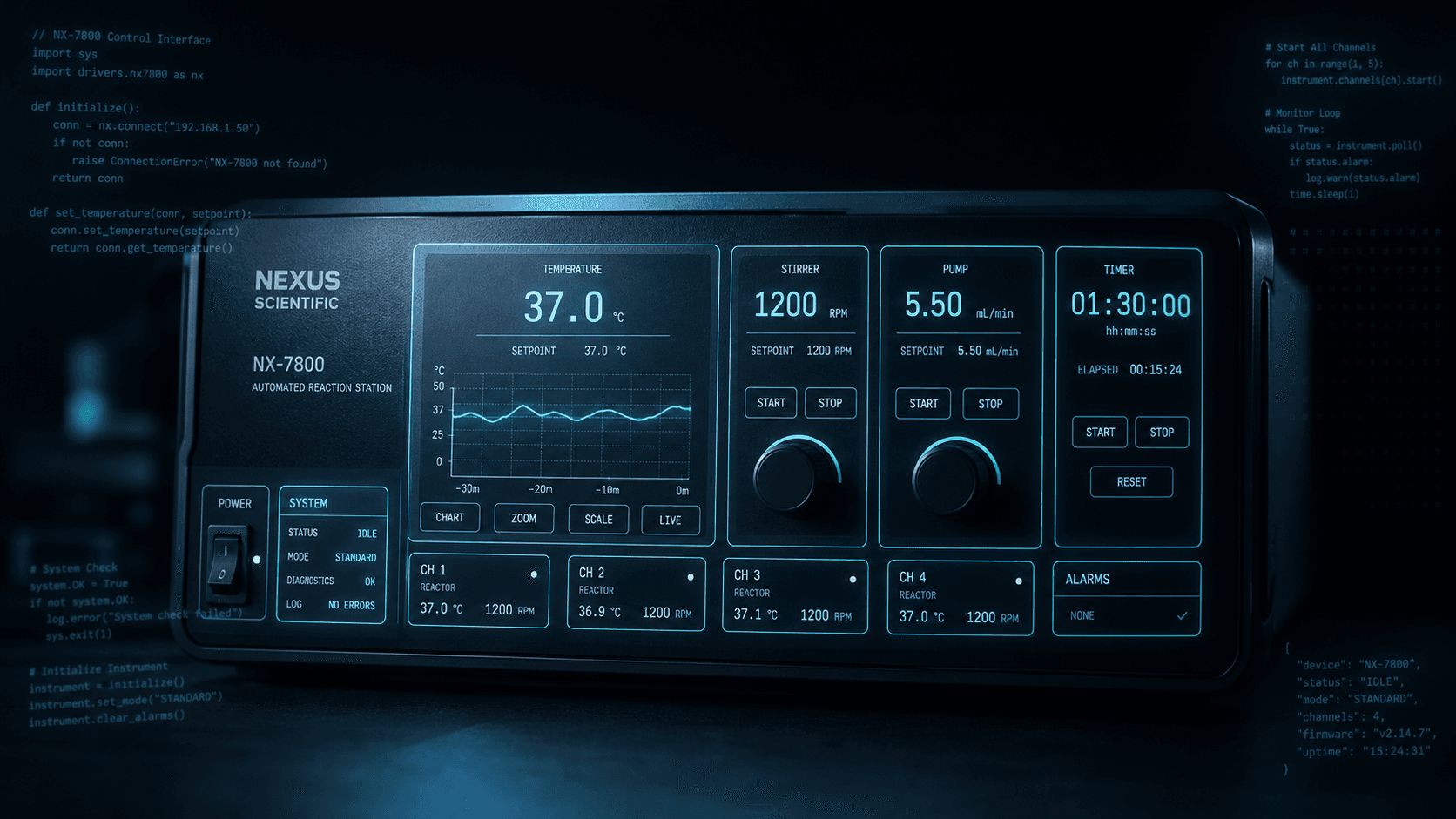
Building a scripting language for hardware panels
Rushabh's lab instruments speak in fixed-width serial strings, and every new panel meant another hardcoded Android screen. So I built a language instead: a lexer, a typed statement tree, an expression evaluator, and buttons you place on a photograph of the machine.
Aug 2026 · 7 min read
Discussion
Questions or notes. Comments live on GitHub Discussions.