Aug 2026 · 3 min read
Building ScanCam: On-Device Document OCR That Admits What It Can’t Do
I shipped ScanCam — scan, OCR, PDF, sign, share on-device. The hard part wasn’t recognition. It was refusing to oversell handwriting, and designing privacy as the default path.
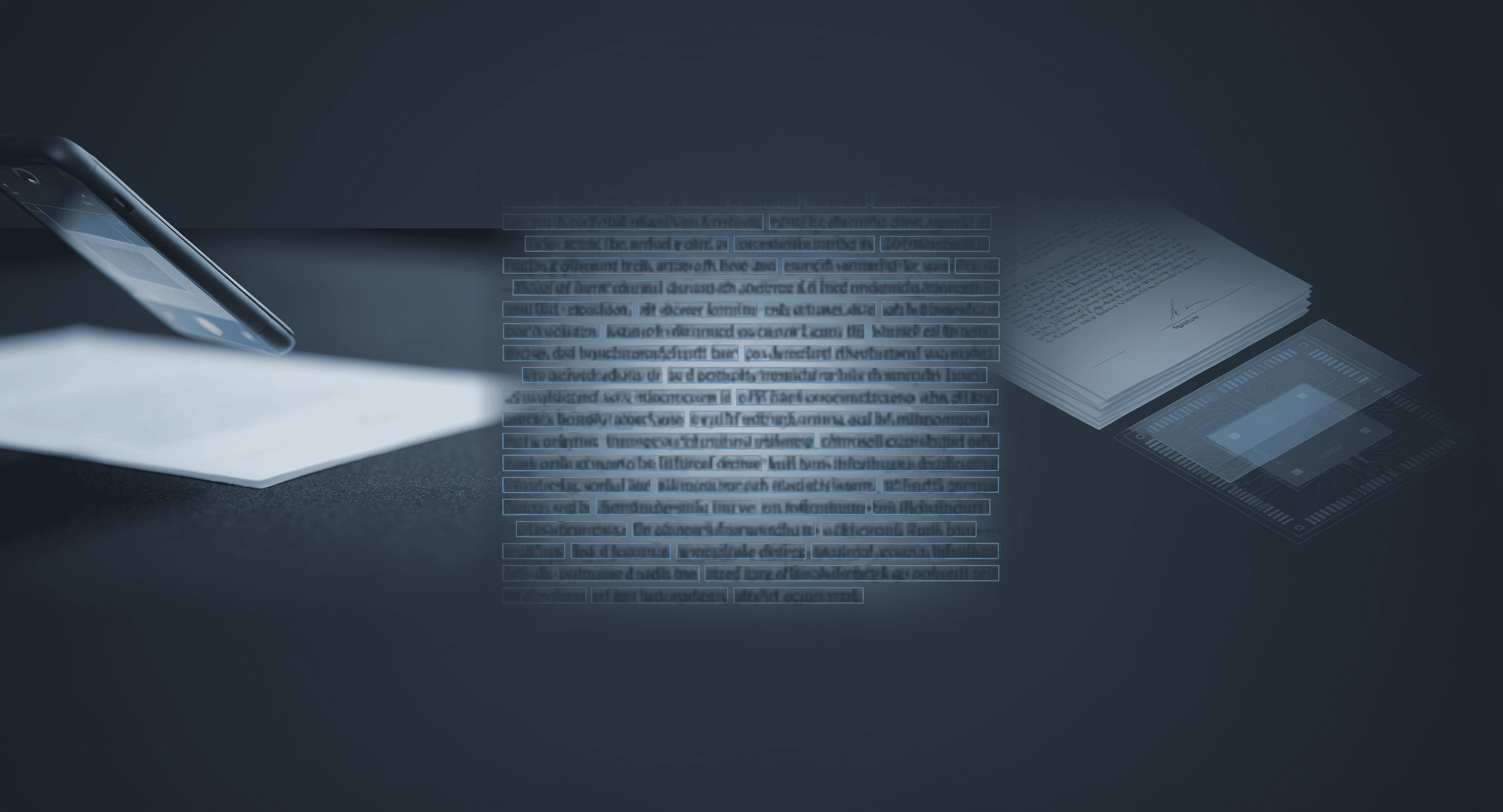
I shipped ScanCam — a fast, private document scanner for Android and iOS. The product loop is familiar on purpose: scan → crop → enhance → OCR → PDF → sign → share.
Familiar loops still hide hard product decisions. For ScanCam, the decision that mattered most was honesty about OCR.
The problem that isn’t glamorous
Scanner apps compete on filters and “AI.” Users compete with reality: receipts, contracts, IDs, whiteboard photos, and the occasional handwritten note.
On-device OCR (Google ML Kit) is excellent for printed text. It is weak on handwriting. Shipping that as undifferentiated “AI text recognition” trains users to distrust the whole app the first time a note fails.
So the constraint became:
Can we ship competitive OCR without pretending the model can read everything?
Provider-agnostic, on-device by default
OCR sits behind an OcrService interface with an isOnDevice flag. Callers ask for recognition; they don’t hard-code ML Kit. Today’s implementation is MlKitOcrService: images stay on the device; recognition never uploads the page.
Models are per-script, not per-language. The UI exposes Latin, Chinese, Devanagari, Japanese, and Korean. Inside a script, language detection is automatic. First use of a non-Latin script may download that model once via Play services — document images still don’t leave the phone. That caveat belongs in the privacy policy and the UI, not in a footnote after a bad review.
The code comment that sets the product tone:
ML Kit’s on-device recognizer targets printed text. Handwriting accuracy is poor and we say so in the UI rather than pretending otherwise.
That sentence is the feature.
Local-first is a table, not a slogan
Capability | Where | Network? |
|---|---|---|
Capture, edge detect, warp, filters | Device (Dart isolates) | No |
OCR, QR decode | Device (ML Kit) | No¹ |
PDF create/merge/split/compress/encrypt | Device | No |
Signatures | Device, encrypted | No |
Backup ZIP | Device; leaves only via user share | User-initiated |
Translation / cloud sync | Not configured | Opt-in by design later |
¹ Non-Latin model fetch caveat above.
Storage is app-private. No broad storage permissions. Camera is asked in context; denial falls back to gallery import. No location, contacts, or microphone.
Signatures use AES-256-GCM per file. Keys live in Android Keystore / iOS Keychain via secure storage — never exported, never in backups. Erase-all destroys ciphertext and the key. PDF passwords are transient unless the user sets a per-document export password.
Monetization without soft-reset cheats
Free tiers meter OCR pages, advanced PDF ops, signature exports, and similar features. Usage counters live in SQLite, not shared preferences — clearing prefs must not reset allowances. Consent matters: signature flatten confirms consequences; exports disclose watermark/quality limits before work starts.
Privacy is not the premium upsell. The core scan path stays local.
What I shipped
Flutter + Riverpod. Original blue design. Recycle bin with delayed purge. Full backup export. Profile erase with double confirm. Remotely configurable monetization for store experiments without shipping a new binary for every knob.
Store links:
What I’d still harden
Cloud translation/sync, if ever enabled, must force disclosure before any provider is wired. Syncfusion licensing needs a commercial eligibility check before scale. And handwriting will always be a temptation to oversell — keep the UI copy cruelly accurate.
Bet: trust compounds when the app refuses to claim magic.
If you’re shipping on-device ML: put the limitation in the primary UI, not the FAQ.
Related work
Apps, packages, and projects this piece connects to.

More writing
Other notes from the archive.
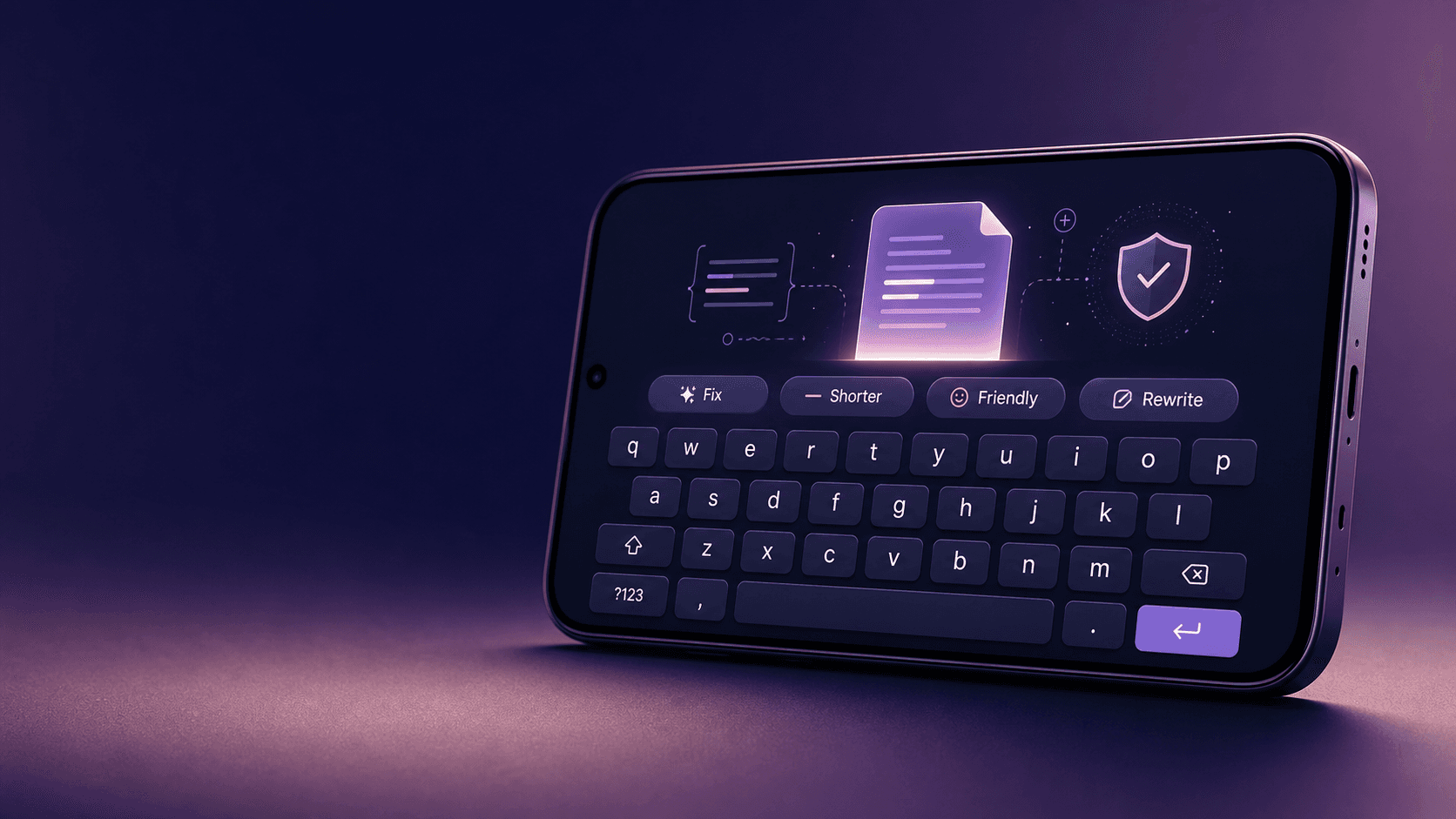
Building Lexora: A Privacy-First Writing Keyboard That Works Offline
Lexora is an Android keyboard that helps people improve spelling, grammar, clarity, and tone wherever they write. Here is how I built its on-device writing engine, custom keyboard, and fast Android integration without sending text to a server.
Oct 2026 · 7 min read
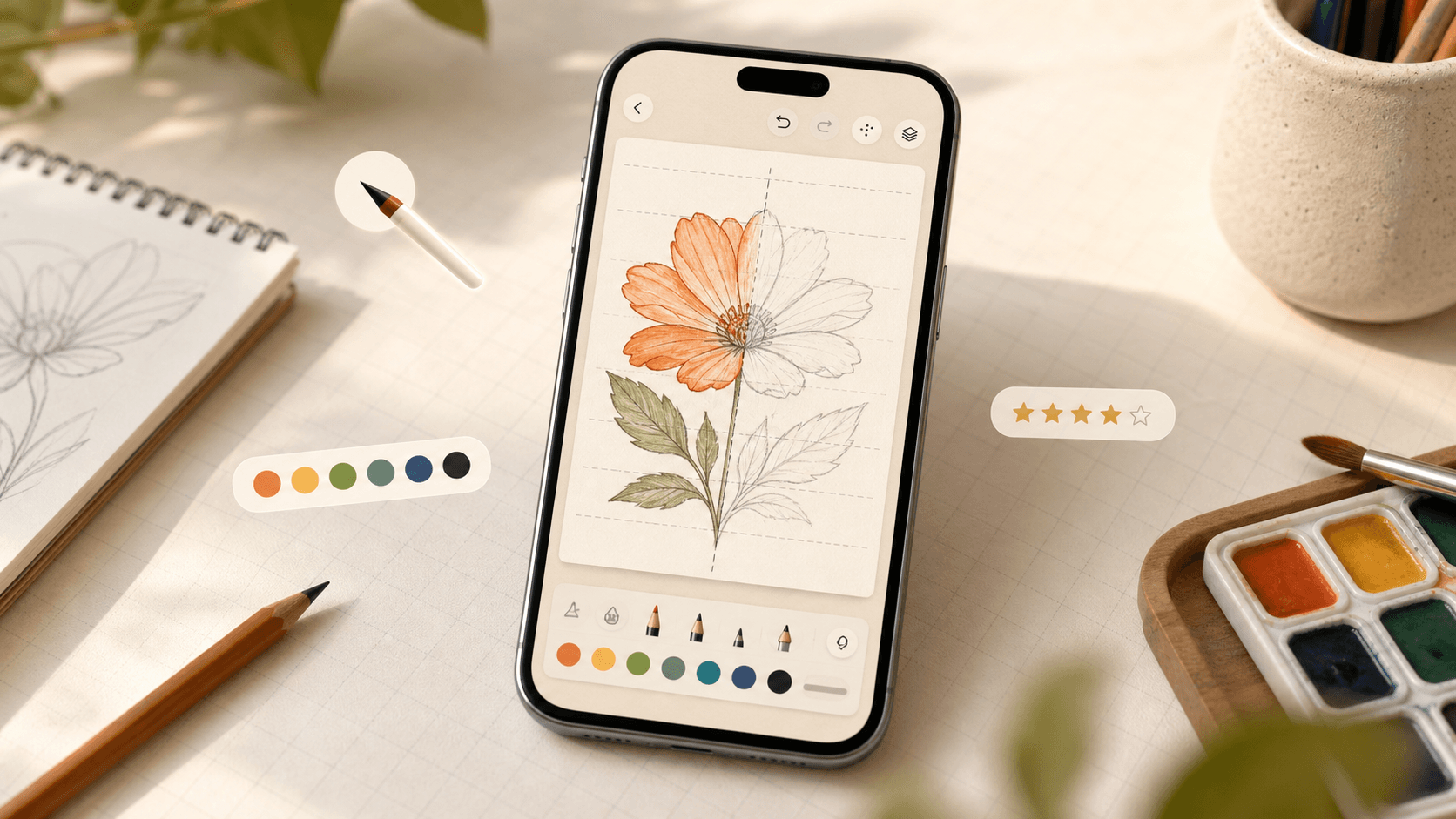
Building iDraw: A Flutter Drawing App With Lessons, a Studio, and an AI Coach
iDraw is a Flutter app I’m building to help people learn to draw — guided lessons, a freehand studio, progress tracking, and an AI coach powered by Google Gemini. Here’s the product brief and the tech behind the strokes.
Sep 2026 · 5 min read
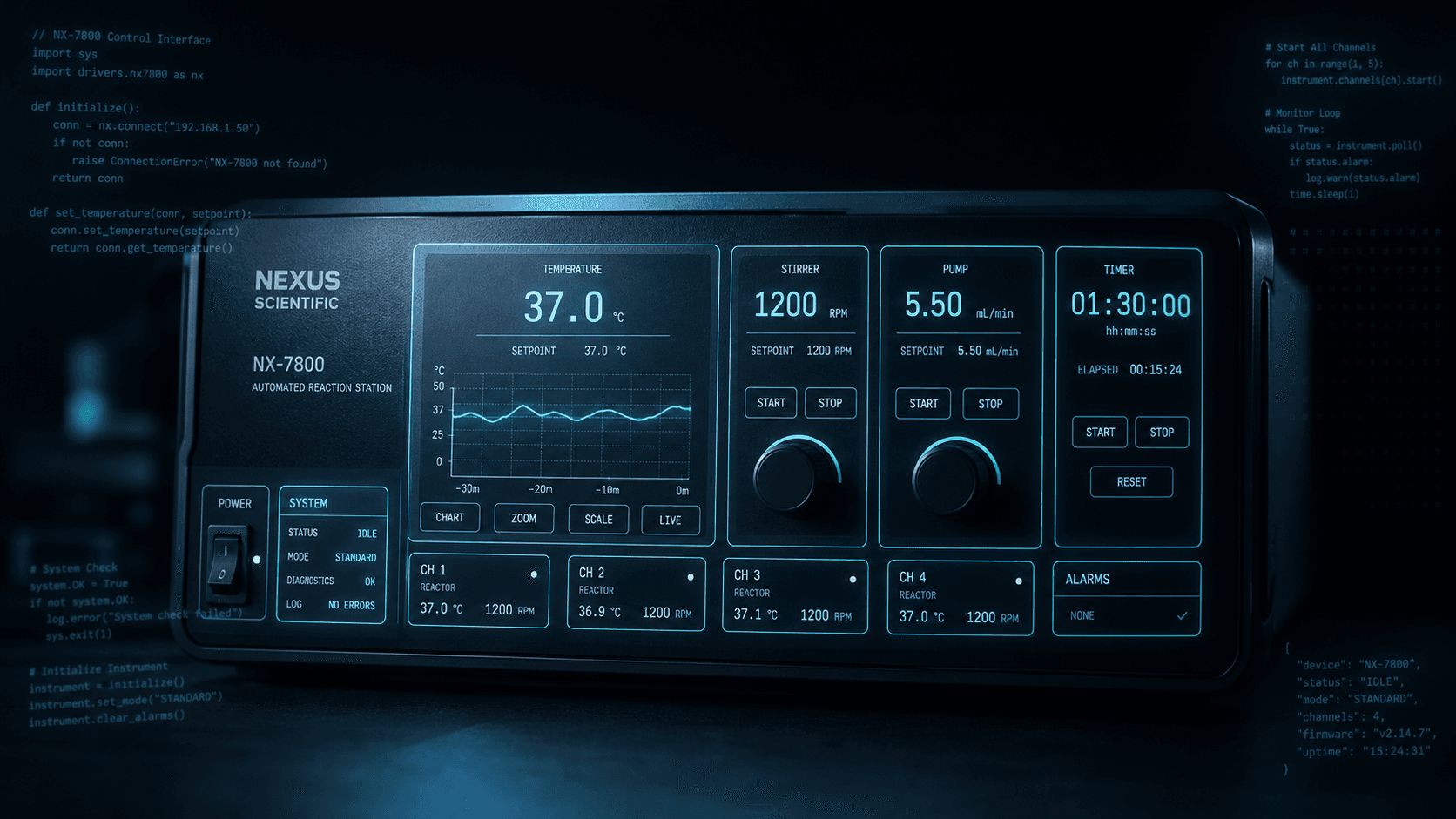
Building a scripting language for hardware panels
Rushabh's lab instruments speak in fixed-width serial strings, and every new panel meant another hardcoded Android screen. So I built a language instead: a lexer, a typed statement tree, an expression evaluator, and buttons you place on a photograph of the machine.
Aug 2026 · 7 min read
Discussion
Questions or notes. Comments live on GitHub Discussions.